![]() |
| ![]() |
![]() |
Interactive demo of C++ and Obfuscation with various options
Use controls
at the right to see how different options affect result of obfuscation;
use player-like buttons to navigate between samples and to control
playback:
| ![]() |
|||||||
![]() |
The obfuscation of C++ code means
Of course names that are part of APIs are not mangled otherwise the program will work incorrectly.
APIs can be standard (builtin language functions) or user-defined (for 3rd-party libraries
that the developer decided not to obfuscate). Names of symbols that are part of APIs are
referred to as "obfuscation exceptions" or simply "exceptions".
The following obfuscation methods are supported:
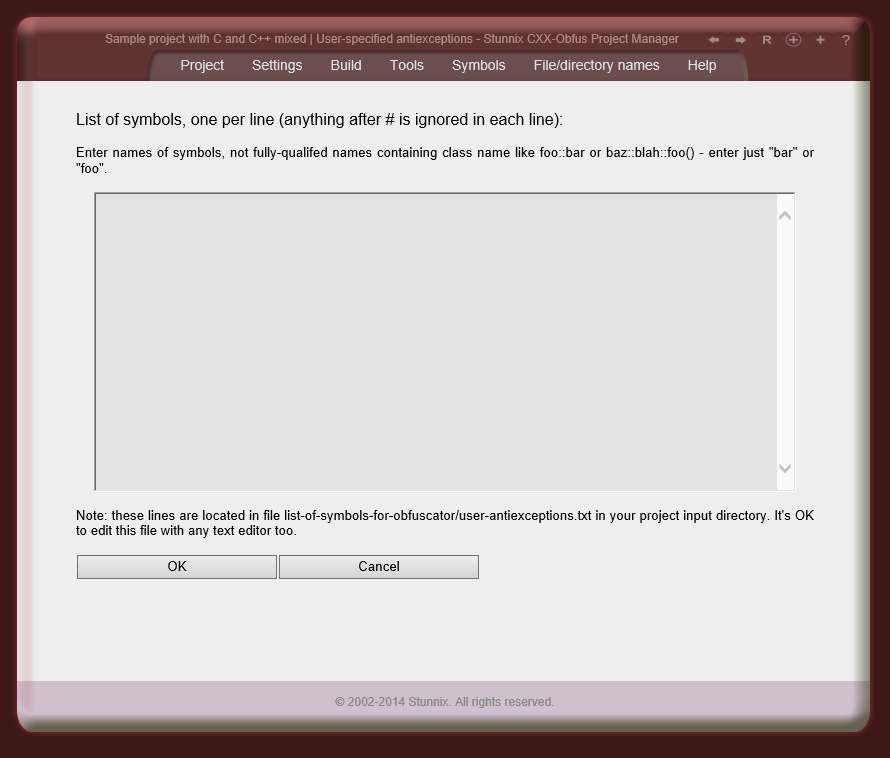
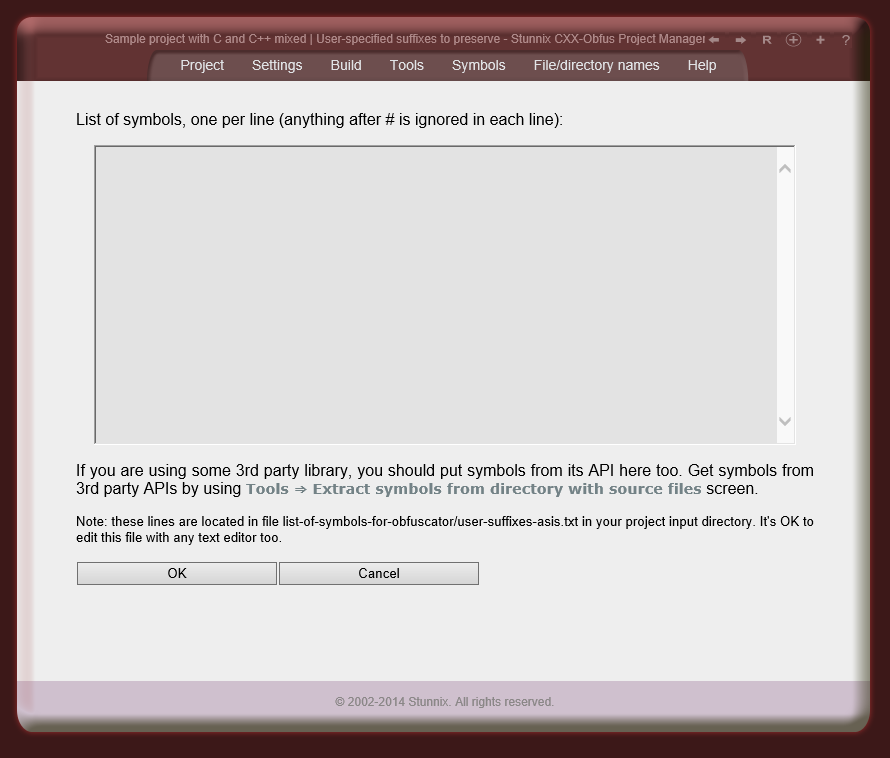
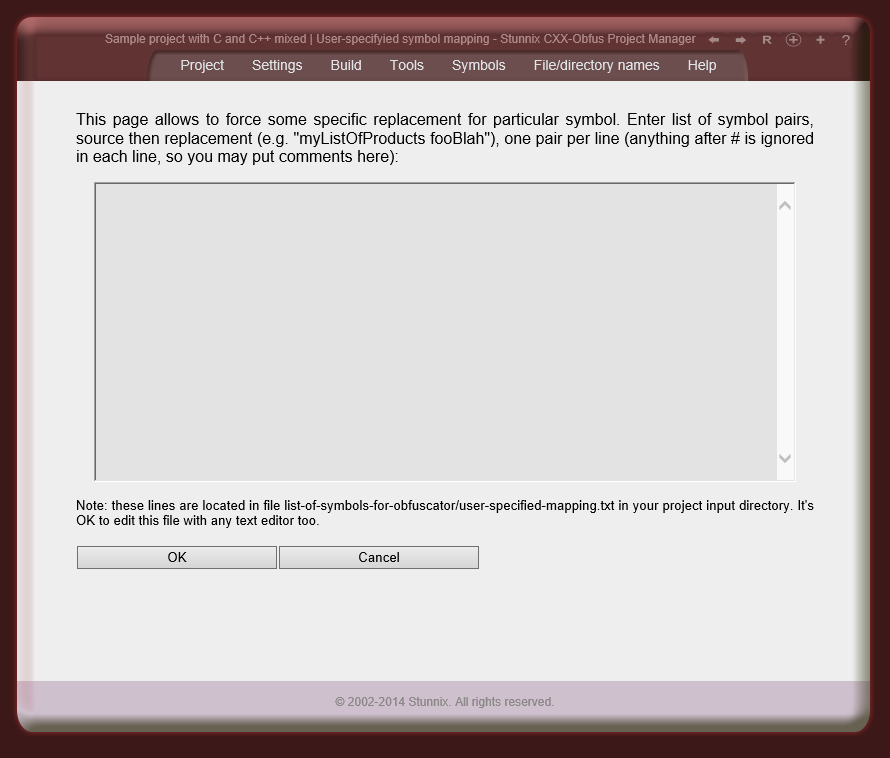
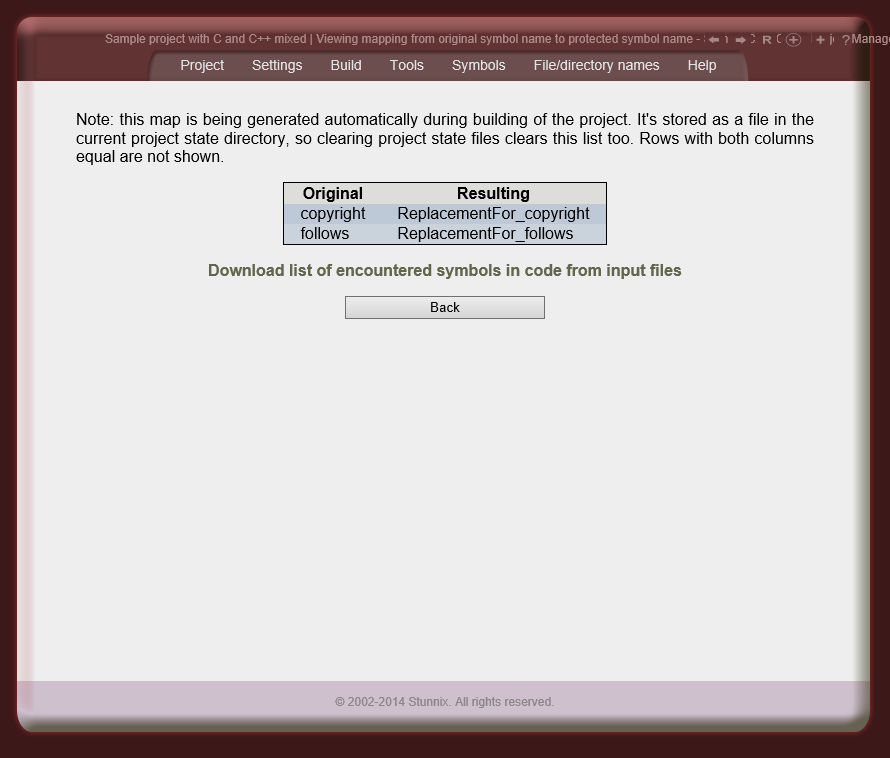
The results of all the methods (called "symbol name obfuscators" or "symbol manglers" in documentation ), except the last one (listOfCustomers-> MyPrefix_listOfCustomers) cannot be reveresed. This guarantees obfuscated C/C++ code cannot be recovered and makes it hard to analyze, All "symbolname manglers" can be applied to C/C++ Protection Projects consisting of an arbitrary number of files. Mapping between the original and replacement symbol names are stored along with the project so developers can always recall the original name of symbol. Users have an option to manually specify symbol replacement. Users have an option to specify symbols that shouldn't be renamed (lists can be attached to each individual file). Strictly speaking, there are 2 types of such lists, ones in which symbols are checked case-sensitive, and others in which symbols are checked case-insensitive. Users can also define lists of suffixes that should be kept in symbols as-is (so everything before the suffix is mangled, while keeping suffix the same) — that is if _onClick is in the list of such suffixes to keep and md5 symbolname mangler is active, then openBtn_onClick it will be replaced with something like zd8ac37d6e_onClick, Lists of symbols for standard interfaces used by C/C++ are shipped with C and C++ Obfuscator. Users can easliy disable some of the "exceptions" in these shipped lists by listing some symbols as "antiexceptions" (these can be individually specified for each C/C++ file in the project). There is an option of storing a symbol map as a comment inside protected version of each file.
Obfuscation of numeric constants make code harder to read - e.g. iteration from
1 to 5 will be totally non-obvious if loop limits are obfuscated this way.
The replacement expression can be made different even for the same constant, but in different places in your code (e.g. in one place and (0xd99+5451-0x21fc) 2 lines below it), or it can be the same for a given numeric constant. This makes analysis of changes between different builds of your code more difficult. Of course there is an option not to obfuscate numeric constants.
This obfuscation stage makes the C/C++ code more difficult to understand at a first glance,
more difficult to search for error messages and so on.It slightly increases the size of the code, though.
International characters in the strings will be left as is. There is also an option to not obfuscate strings at all.
Comments can be completely removed.
Since C and C++ Obfuscator is very flexible and powerful tool,
there are other ways to obfuscate them (besides keeping them as is):
This C/C++ obfuscation stage removes all spacing and identation in the code.
This makes the code more difficult to read, and greatly reduces its size.
This step won't do anything with linebreaks in the code. Of course this stage is optional.
This C/C++ obfuscation stage turns all the code into single line.
Statement separators will be inserted in the appropriate places.
This makes even looking at code difficult, since the viewer will have to scroll back and
forth.
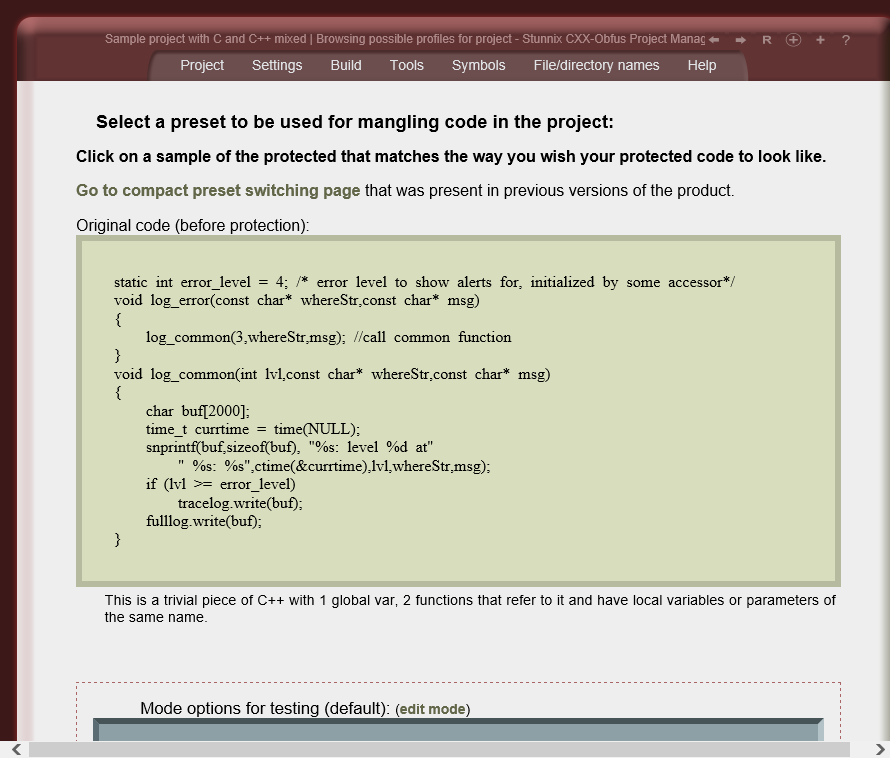
There is a setting to rewrap the code into several lines, each being no longer than specified number of characters. Sometimes it's better not to apply this step if your code is not well-debugged and you wish error messages to contain line numbers matching your original code. Of course this stage is optional. It's possible to control all aspects of code hiding using the GUI or commandline switches of the CXX-Obfus. Here is an example of how a typical file is encoded and cryptic after obfuscation.
| ![]() |
||||||||||||
![]() |
The features summary of Stunnix C and C++ Obfuscator
C and C++ Obfuscator is a suite of Perl applications.
The Windows version includes Perl interpreter and all necessary files.
Perl interpreter is already preinstalled on Mac OS X, Linux and most Unix OSes, so
the package for Mac OS X and Linux/Unix is the same and doesn't include
any Perl interpreter (it utilizes Perl already installed in the system and uses
no non-standard modules).
C and C++ Obfuscator applies obfuscation of names and bodies of macros,
supporting any use of preprocessor conditionals.
Symbols in all branches of preprocessor conditionals are consistently obfuscated.
C and C++ Obfuscator, unlike other tools, was designed with multi-file
complex products in mind. This means that given same set of obfuscation
parameters, any given symbol name will be obfuscated to the same name independant
of its position and file location. Mixing C and C++ source files
in the same project is supported as well.
Users can apply different sets of settings to different files, including different ways to mangle symbol names, mangle integer constants, strings and comments.
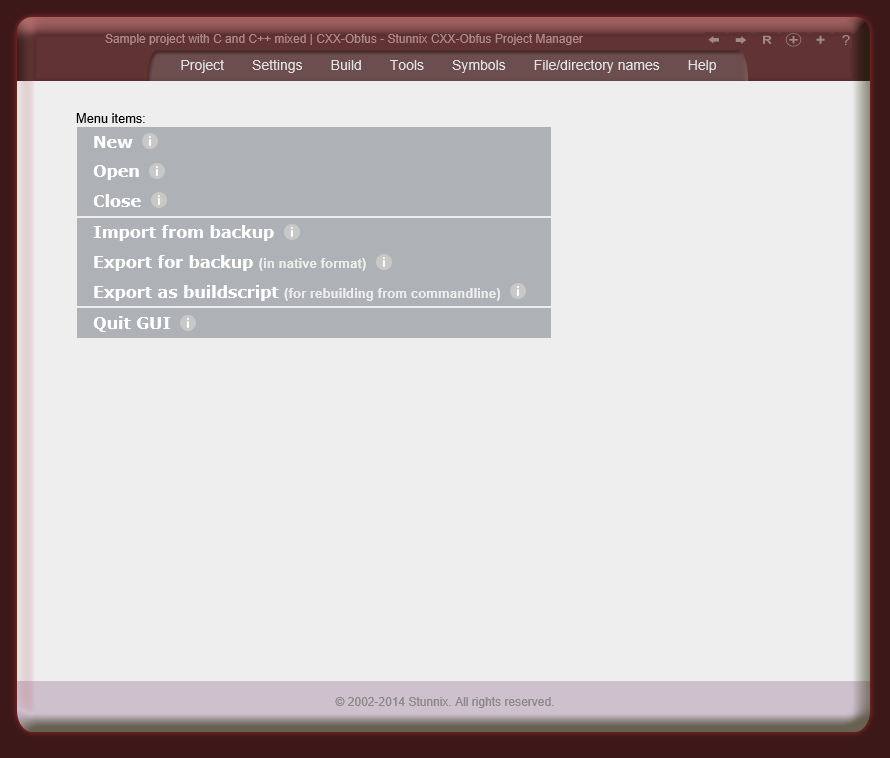
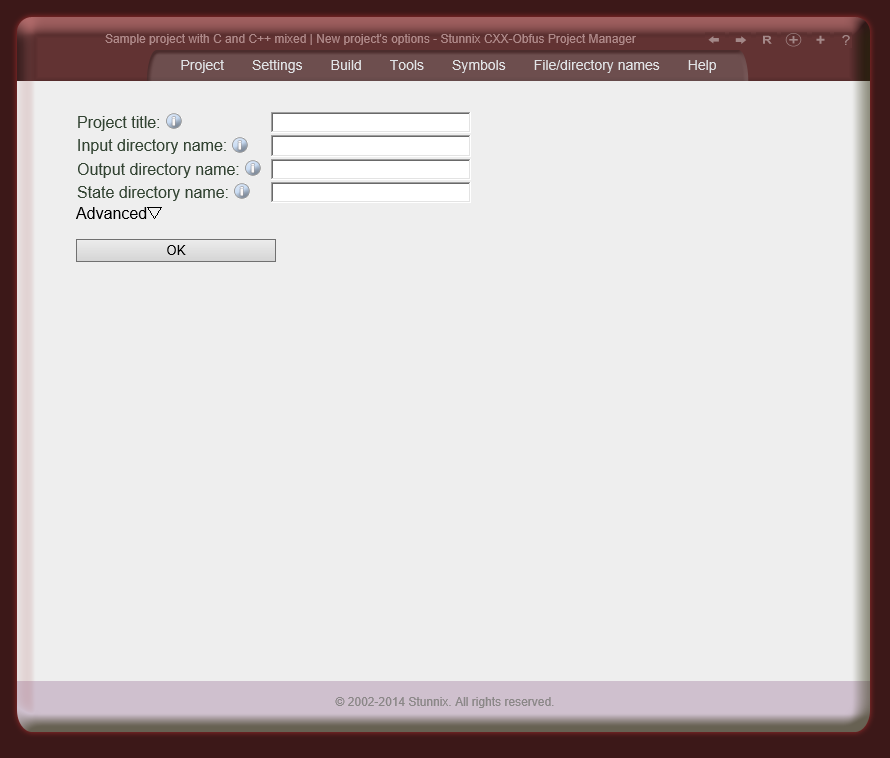
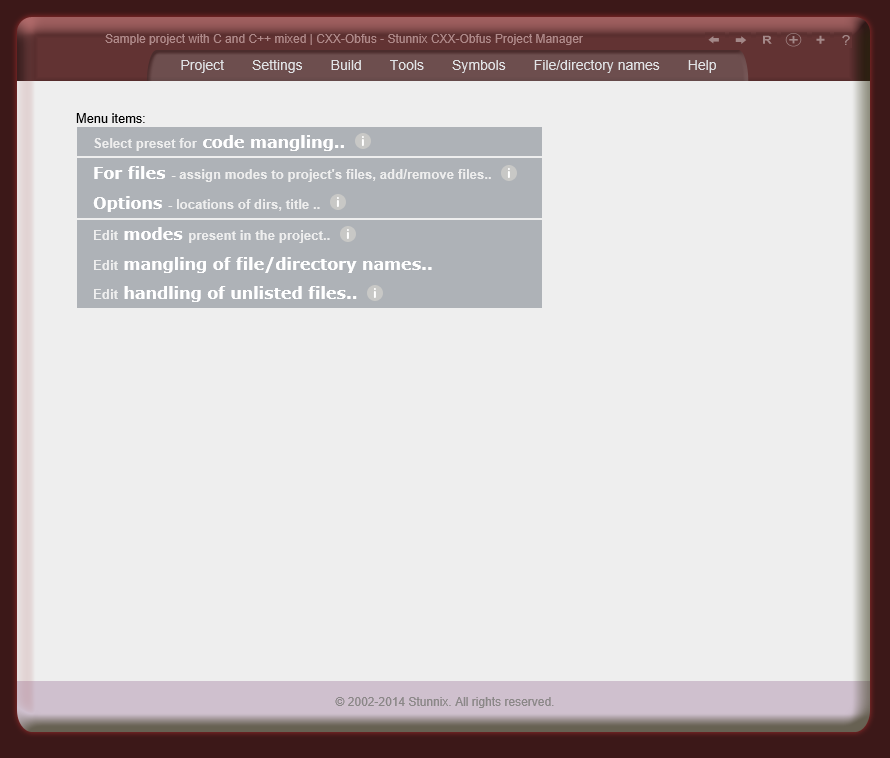
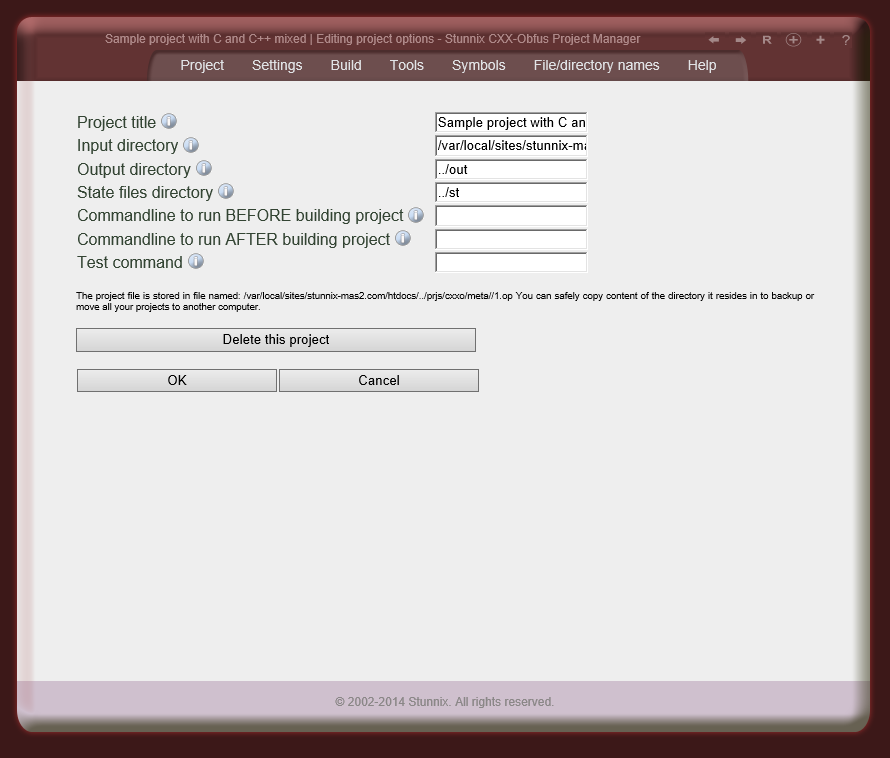
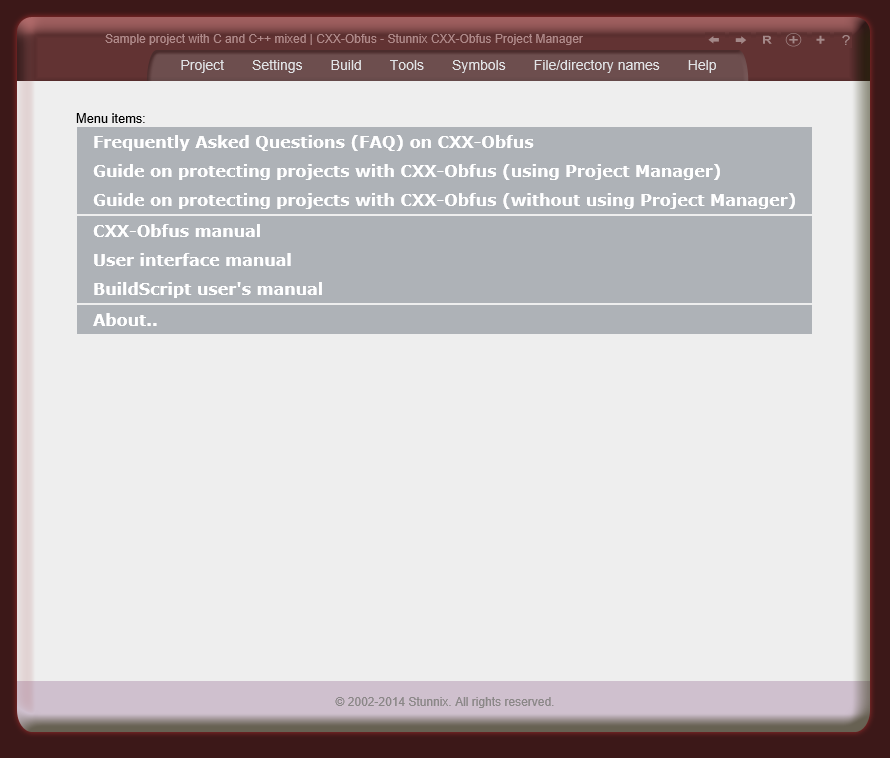
Obfuscation Project Manager uses the concept of projects
as a way to describe lists of files and protection options for C/C++ .
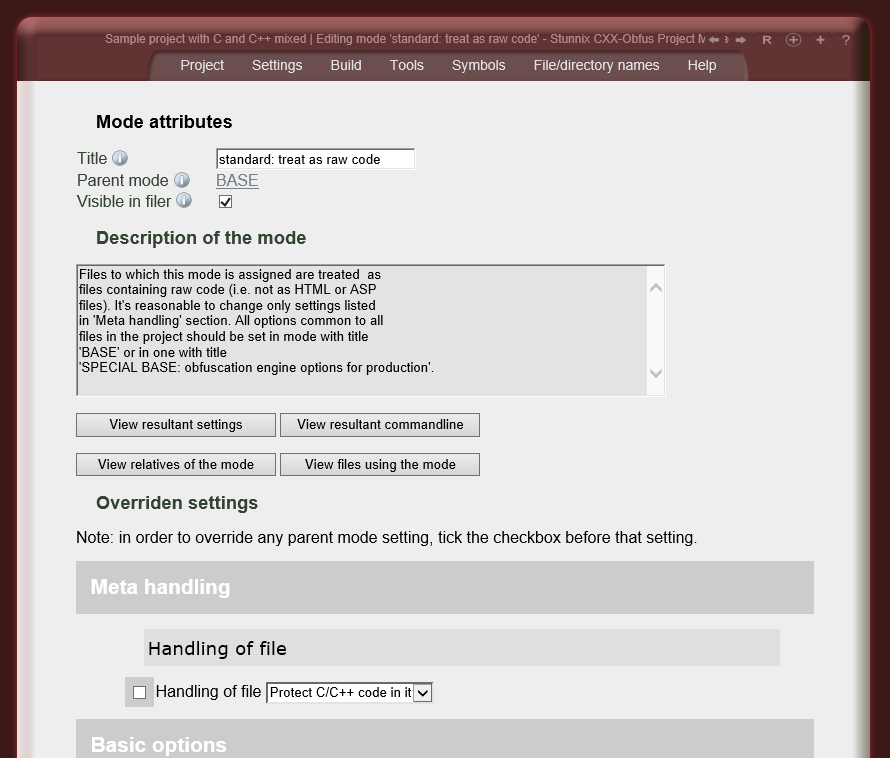
Each C/C++ obfuscation project has several C/C++ protecting modes that
specify settings to be used to obfuscate the C/C++ code .
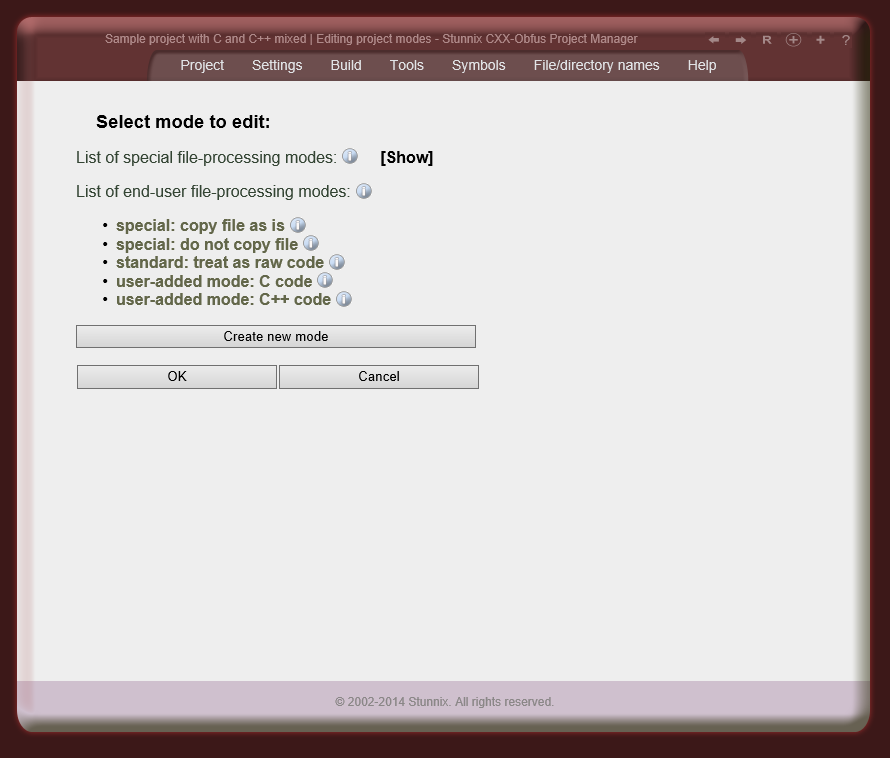
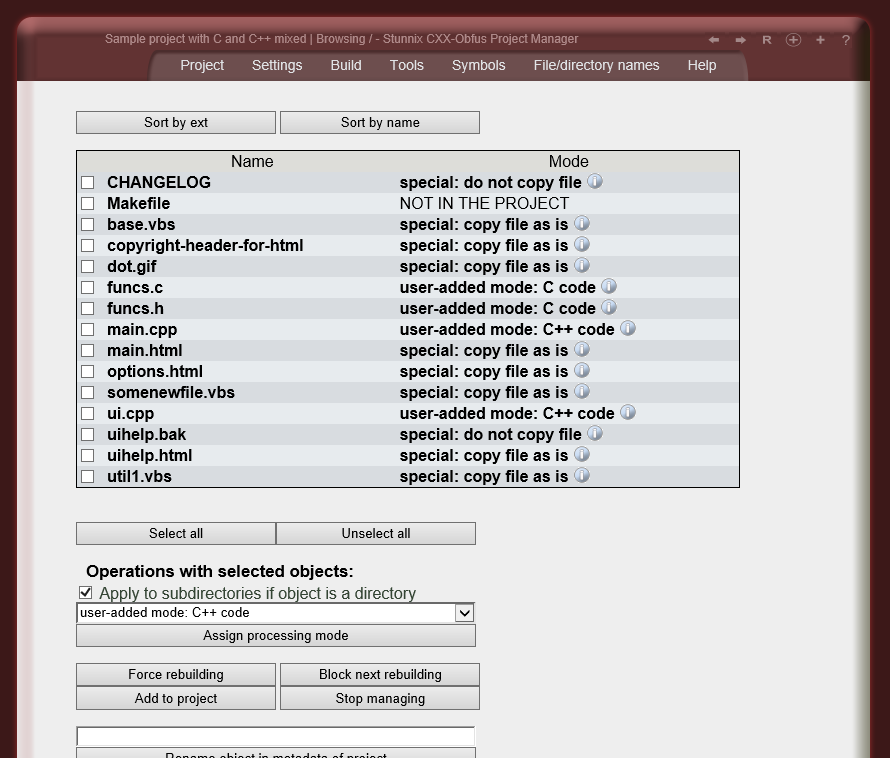
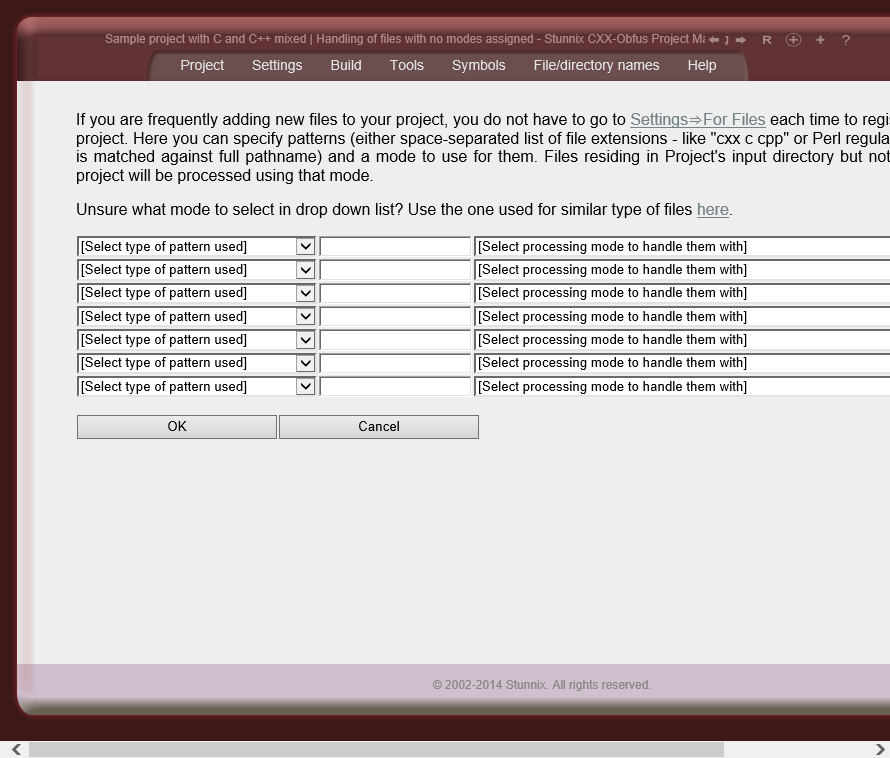
A single C/C++ protecting mode can be attached to a given file; modes inherit settings from other modes (typically predefined ones) which requires very little effort to configure protection for the project. The mode concept allows the handling of some files in the project as files that have one set of symbols that should not be mangled, the other files - with another set of symbols that should not be mangled, and other group of files - as static files that are either copied as is to output directory, or are not copied at all. Files with obfuscated C/C++ can have different copyright headers than other files; the mangling of strings or comments can also be performed differently in different files in the project.
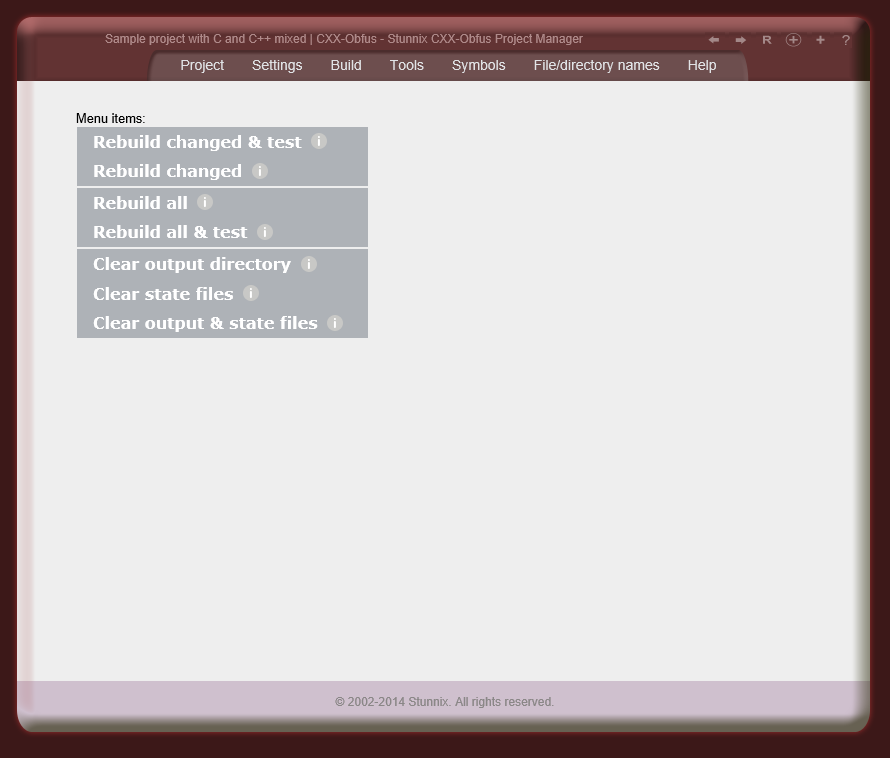
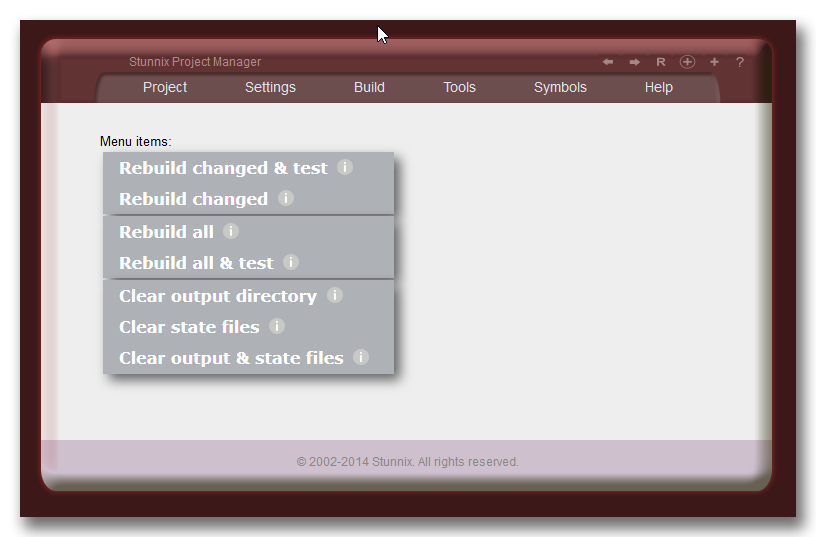
![]() Obfuscation Project Manager is designed to be a more convenient alternative to Makefiles so it has functionality present in all IDEs for managing the project - i.e. Build, Rebuild Changed, Clean operations. Users who prefer to use the command line interface or single-click obfuscation and encoding of C/C++ and html in an entire project are able to compose a so-called build script. A build script is a special project-specific perl program that is a smart stand-alone replacement for a project-specific Makefile which already includes the functionality of the Make utility. For a project using Obfuscation Project Manager for C and C++ Obfuscator, just invoke that buildscript to perform operation such as cleaning all output files, reprotecting only changed files or reprotecting all files (with ability to specify only a subset of files). You can see C and C++ Obfuscator Project Manager running on our site in demo mode (destructive and editing operations are disabled in it).
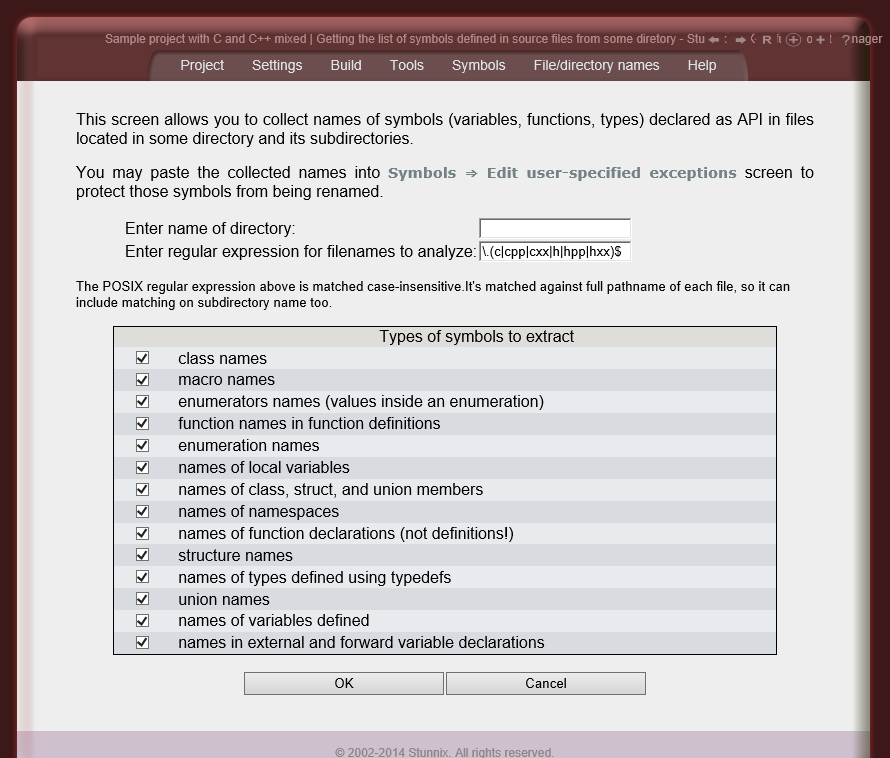
Obfuscation Project Manager GUI allows easy generation
of lists of symbols of some APIs (e.g. used in the project's code).
Just put the library public API definitions (or even implementation files for the library)
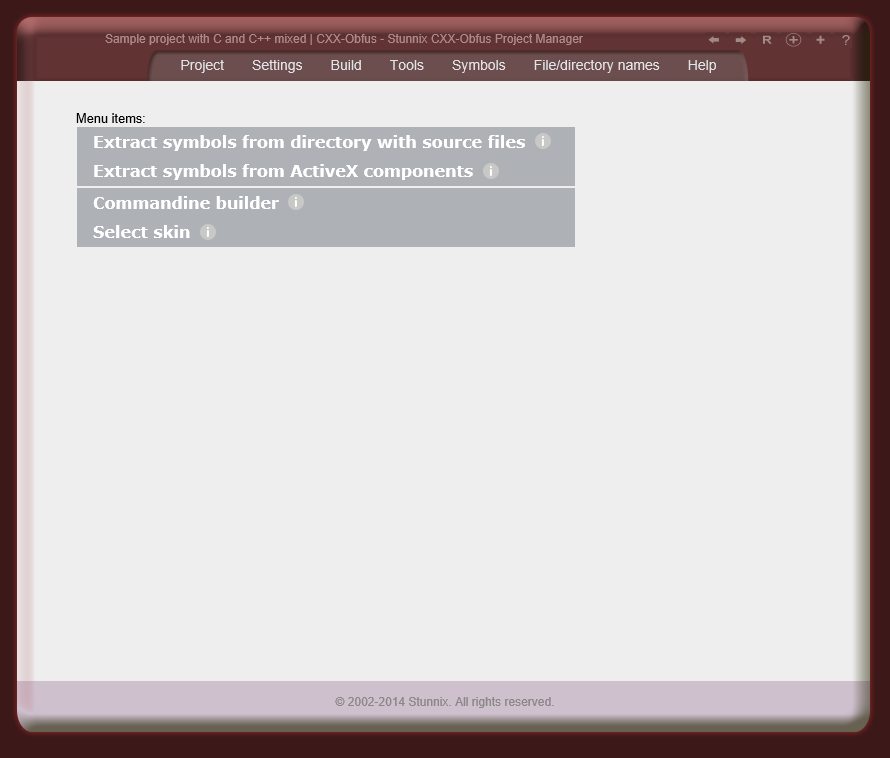
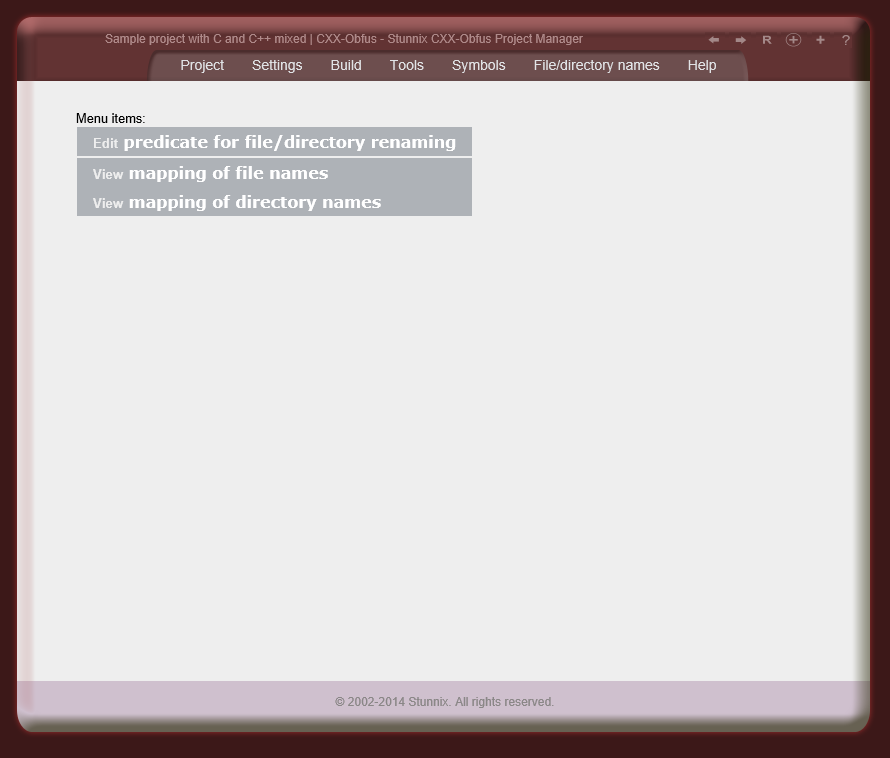
in to any directory, go to Tools->Extract symbols from the directory with source files
and specify the name of that directory, and the types of symbols you wish to extract (global functions,
global variables, type names etc).
A special obfuscation mode is present in C and C++ Obfuscator
that quickly adapts projects for obfuscation. When this mode is active,
all symbols are prefixed using the same user-specified string
(e.g. listOfCustomers becomes MyPrefix_listOfCustomers) thus making
it easier to understand the error messages the script interpreter generates. Also, when
this mode is active whitespace removal and integer and string mangling are turned off.
There is no need to waste valuable time
performing the trial-and-error process of obfuscation preparation!
Due to the unique ability to extract symbols from html files (that allows the extraction of the ids of html elements and names of form fields) and the unique ability to extract all symbols exported by a given ActiveX or OCX control — not available with any other products — the preparation process is as short as possible.
The following ways of generating obfuscated names are supported:
All these ways (called "symbol name obfuscators" or "symbol manglers" in documentation ), except the first one (listOfCustomers-> MyPrefix_listOfCustomers) are irreversible. This guarantees that obfuscated C/C++ is unrecoverable and difficult to analyze. All "symbolname manglers" can be applied to C/C++ Protection Projects consisting of an arbitrary number of files. Mapping between original and replacement symbol names is stored along with the project so that the original name of a symbol can always be recalled. Users have the option to specify symbol replcement. Users have the option to list symbols that shouldn't be renamed (can be file specific). Strictly speaking, there are 2 types of such lists: ones in which symbols are checked case-sensitive, and others in which symbols are checked case-insensitive. Users can also define lists of suffixes that should be kept in symbols as-is (so everything before the suffix is mangled, while keeping suffix) — eg - if _onClick is in the list of suffixes to keep and md5 symbolname mangler is active, then openBtn_onClick it will be replaced with something like zd8ac37d6e_onClick, A symbols for standard interfaces used by C/C++ are shipped with C and C++ Obfuscator. User can easliy disable some of the exceptions in these shipped lists by designating some symbols as "antiexceptions" (these also can also be specified for each C/C++ file in the project). There is an option to store a symbol map as a comment inside the protected version of each file.
C and C++ Obfuscator supports C and C++ source code files.
Any dialect of these languages is supported, even with non-standard compiler extensions -
e.g. MSVC extensions, GCC extensions, and Borland extensions.
As with all Stunnix products,
C and C++ Obfuscator suite has many
options to tightly control each aspect of operation.
GUI (Obfuscation Project
Manager) and
commandline
interfaces are equally capable.
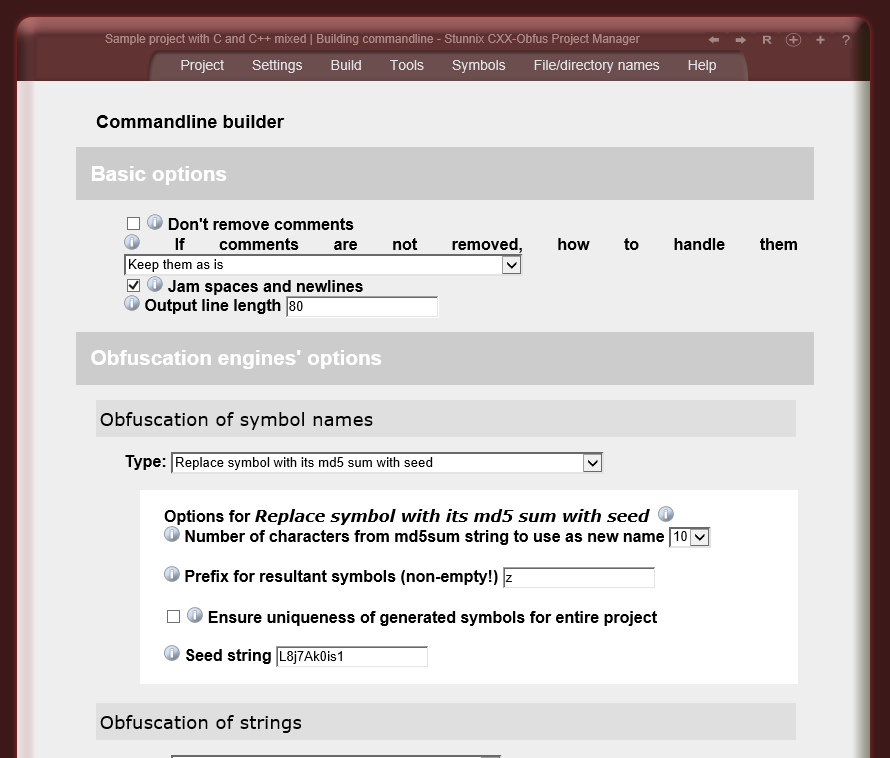
All names and semantics of commandline options are convenient and intuitive and follow GNU recommendations, forms in GUI are also easy to use and understand. To get an idea of how many options are available, please view the online demo .
Among the variety of options that control each aspect of C/C++
obfuscation ,
are ones that make obfuscated
versions of the same C/C++ source code
different from each other. This makes analysis of
changes between different versions of the software much more difficult.
Another use is distributing unique versions of the obfuscated C/C++ code
to each customer - this way developer can track which customer violated
license conditions that resulted in distribution of the product on
the internet.
Developers just have to run C and C++ Obfuscator to produce file specific to each customer.
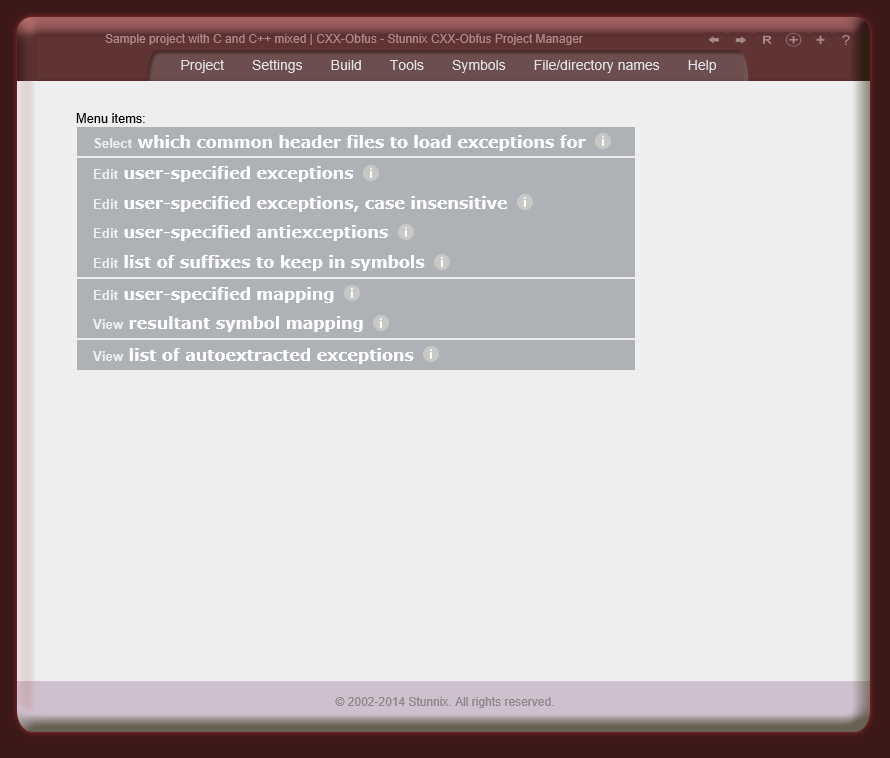
A very rich set of exception tables is included with
C and C++ Obfuscator for
common C and C++ libraries: ANSI C standard library, ISO C standard library,
ISO C++ standard library (with and without STL symbols), POSIX standard v.2,
UNIX95 standard, XPG3 standard, XPG4 standard, X Window System release 5,
Motif user interface toolkit and for all headers shipped with
MS Visual Studio 2005. The tool detects the header files used in the code being
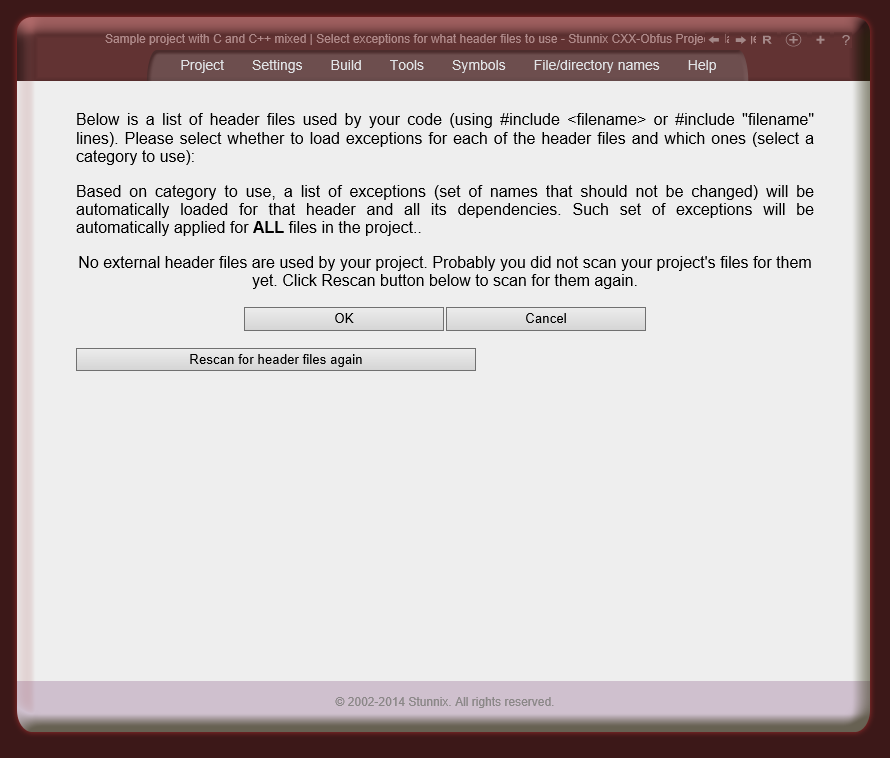
protected, and loads exceptions only for those headers.
Each table is stored in a separate file whic makes it easy to select which sets of tables to use.
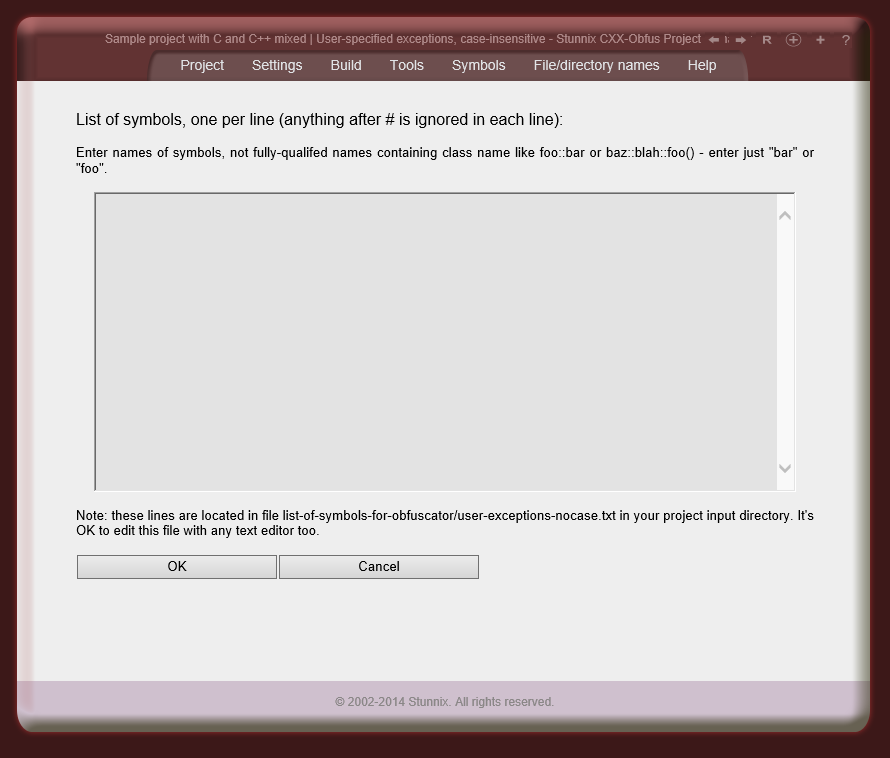
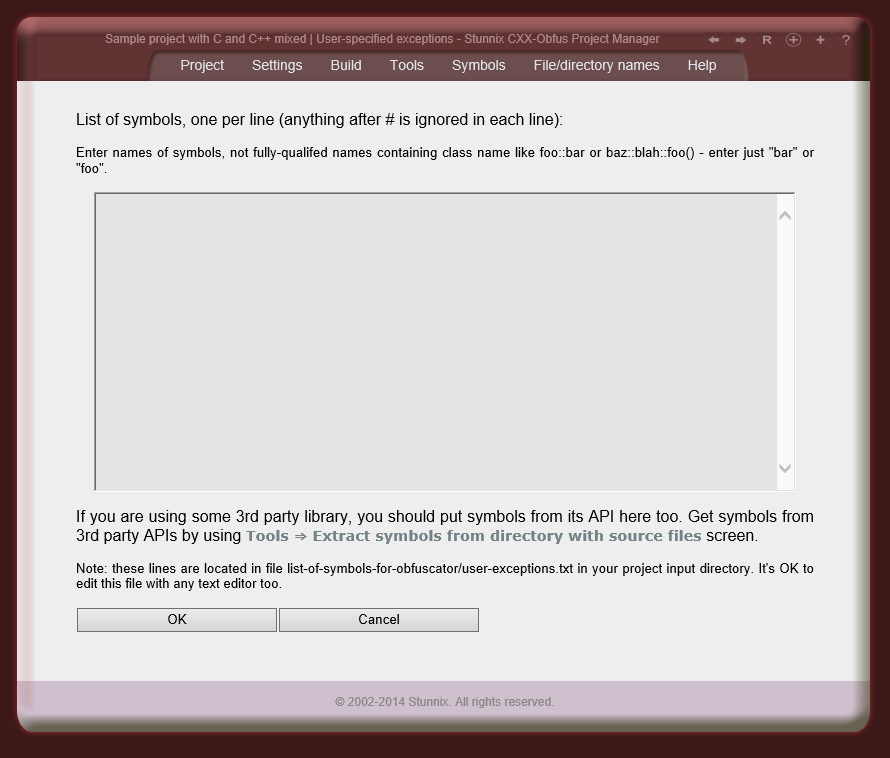
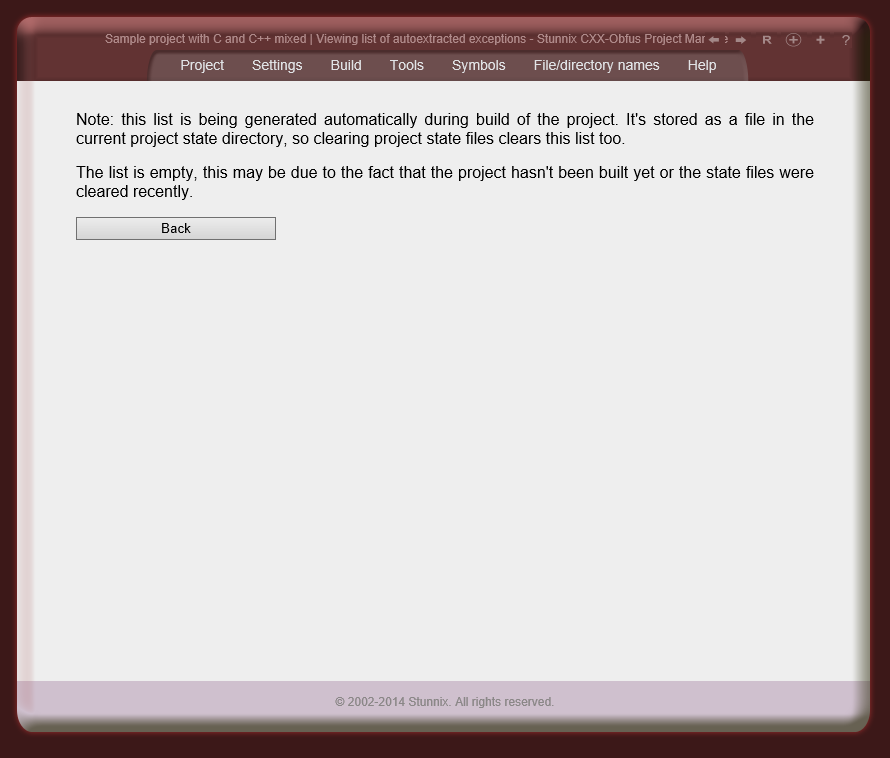
Users have an option to list symbols that shouldn't be renamed (such list can be attached to each file individually). Strictly speaking, there are 2 types of lists, ones in which symbols are checked case-sensitive, and others in which symbols are checked case-insensitive. Users can also define lists of suffixes that should be kept in symbols as-is (so everything before the suffix is mangled, while keeping suffix the same) — that is if _onClick is in the list of such suffixes to keep and md5 symbolname mangler is active, then openBtn_onClick it will be replaced with something like zd8ac37d6e_onClick, User can easliy disable some of the exceptions in these shipped lists by designating some symbols as "antiexceptions" (these also can also be specified for each C/C++ file in the project). Due to the unique ability to extract symbols from html files (that allows the extaction of the ids of html elements and names of form fields) and the unique ability to extract all symbols expored by a given ActiveX or OCX control — not available with any other products — the generation of custom lists of exceptions is easy, fast and almost fully automated. | ![]() |
||||||||||||||||||||||