Stunnix ASP and VbScript Obfuscator is a unique solution for this piracy and misuse problem for ASP and client-side code written in VBScript programming languages. It provides both an obfuscation and an encoding tool for client-side VBScript code in .vbs files and in HTML, PHP, ASP and JSP pages as well as for server-side ASP code, with advanced support for adding extremely difficult to remove automatic licensing checks.
Stunnix ASP and VbScript Obfuscator converts scripts in input files into highly mangled and obfuscated form. This makes them extermely difficult to study, analyse, reuse and re-work for competitors or customers, while retaining the full functionality of the original code. By default that highly mangled and obfuscated code is encoded afterwards to hide the structure (control flow, division into subroutines and classes) of the script completely. Stunnix ASP and VbScript Obfuscator is not a compiler to machine or pseudo code. The protected form will still be the usual script or html or asp file, thus it will work on all platforms the original code worked on. State of the art support for ensuring license conditions (expiration, several types of hostname checks, user-defined checks) is also available. Note, that Stunnix ASP and VBScript Obfuscator is referred to as Stunnix VBS-Obfus for brevity sometimes on this site.
|
Protection
Identifiers:
Strings:
Comments:
Mangle integers
Strip spaces
Strip newlines
|
![]() | Replacing symbol names with non-meaningfull ones, e.g. replacing list_of_customers with zcadaa4fc81 |
The following obfuscation methods are supported:
The results of all the methods (called "symbol name obfuscators" or "symbol manglers" in documentation ), except the last one (listOfCustomers-> MyPrefix_listOfCustomers) cannot be reveresed. This guarantees obfuscated VBScript code cannot be recovered and makes it hard to analyze,
All "symbolname manglers" can be applied to VBScript Protection Projects consisting of an arbitrary number of files.
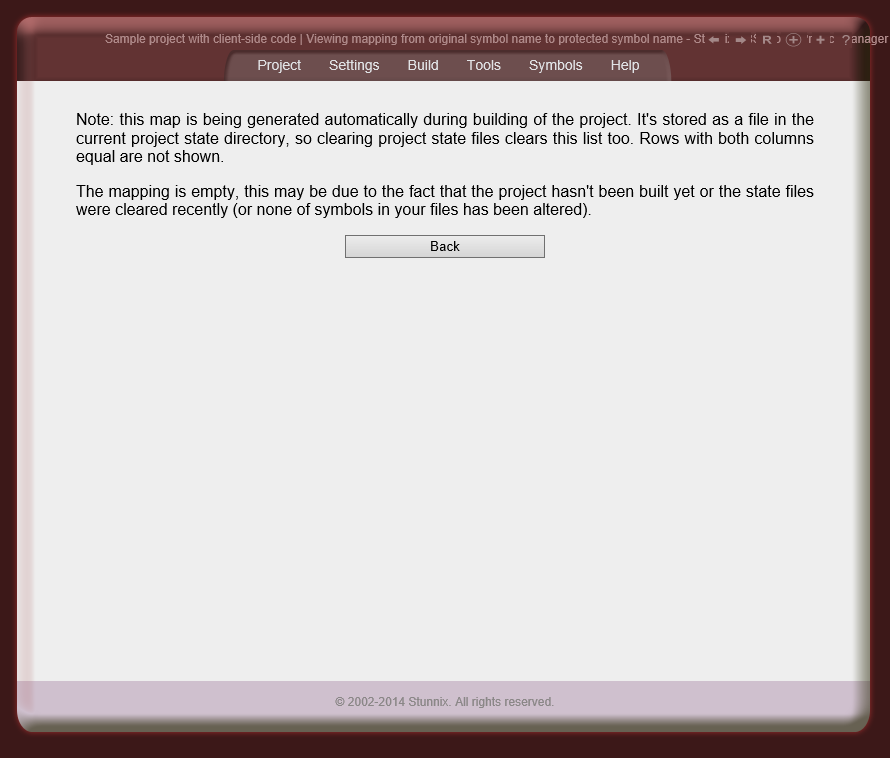
Mapping between the original and replacement symbol names are stored along with the project so developers can always recall the original name of symbol.
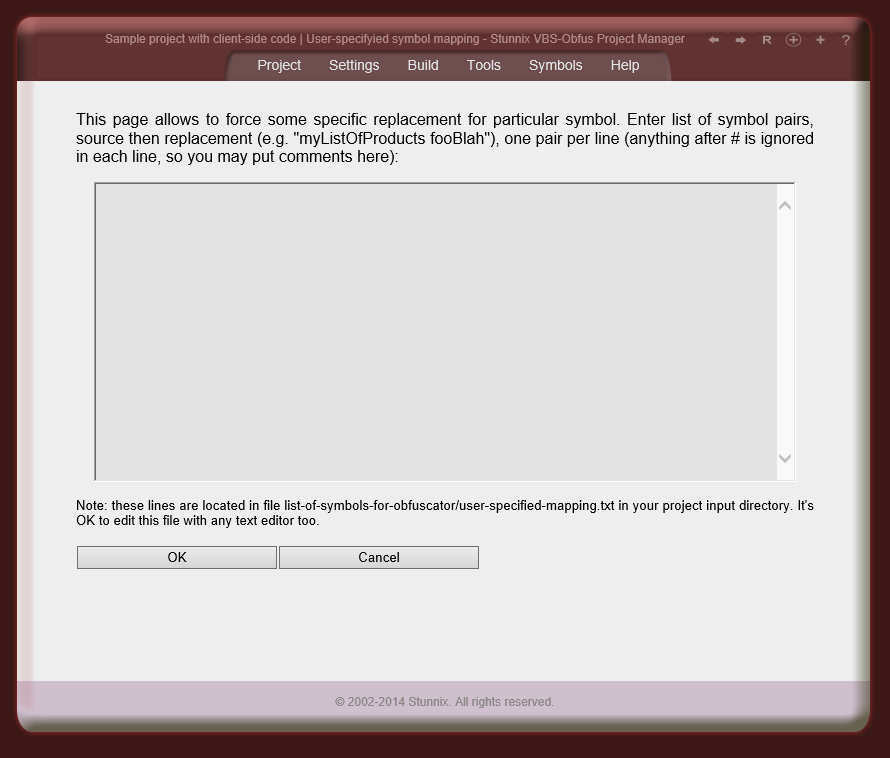
Users have an option to manually specify symbol replacement.
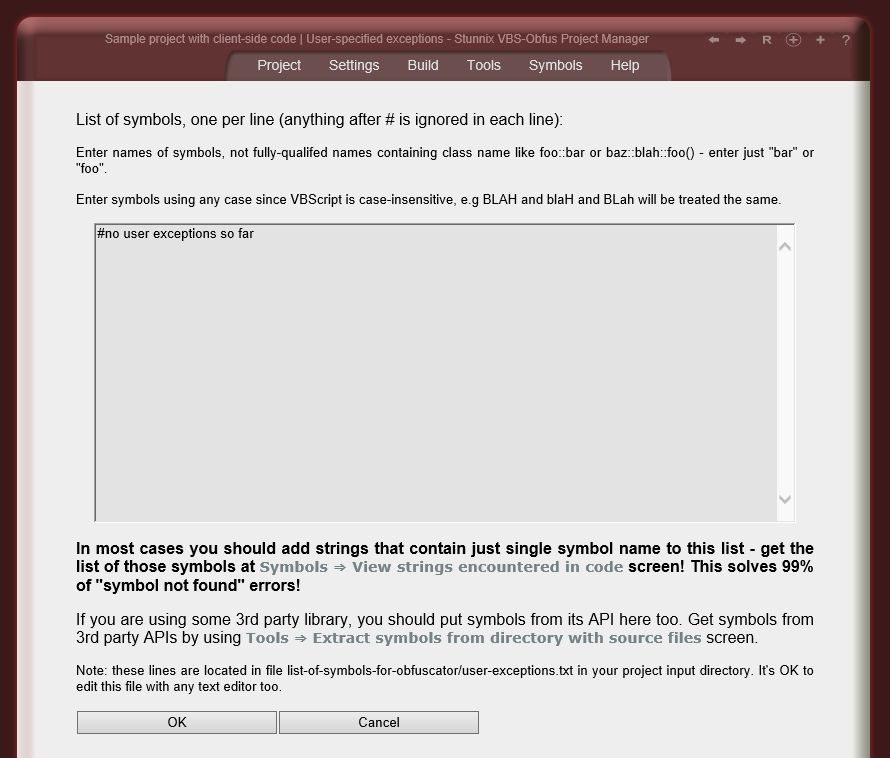
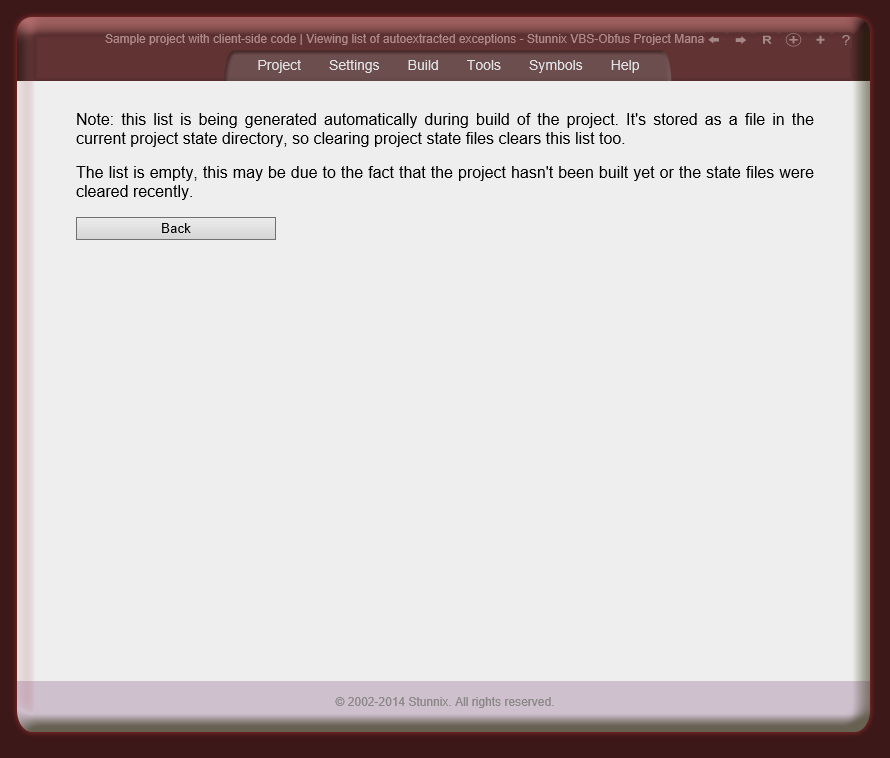
Users have an option to specify symbols that shouldn't be renamed (lists can be attached to each individual file). Strictly speaking, there are 2 types of such lists, ones in which symbols are checked case-sensitive, and others in which symbols are checked case-insensitive.
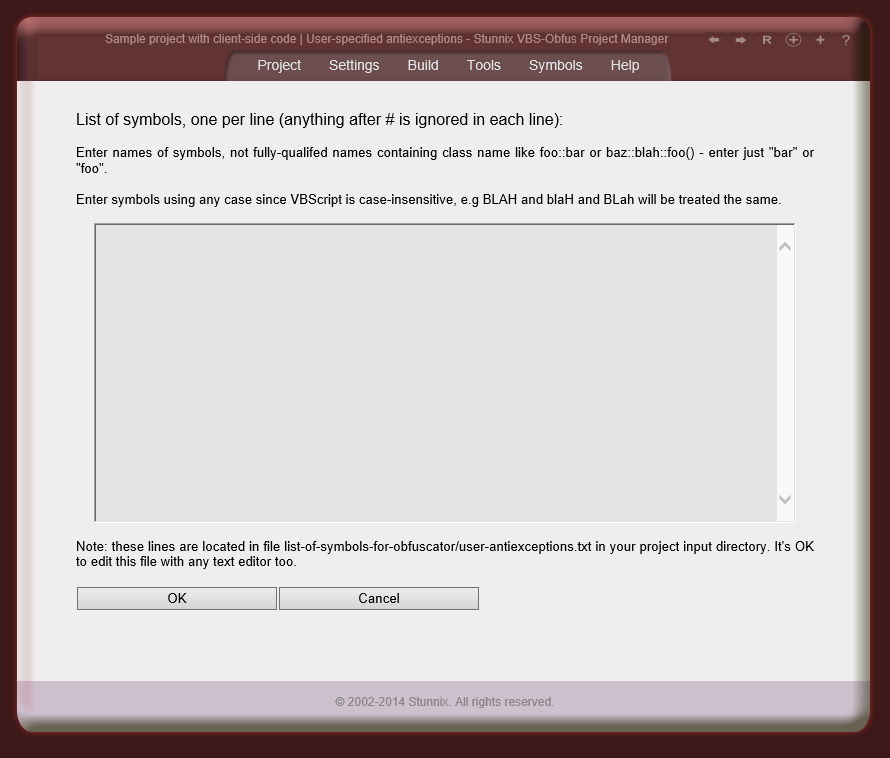
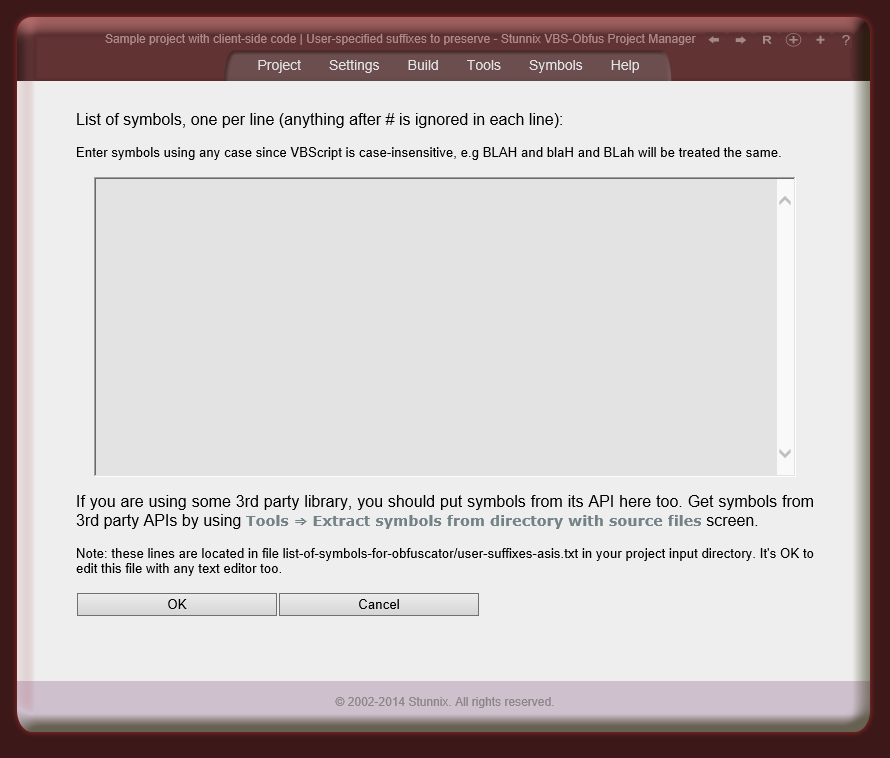
Users can also define lists of suffixes that should be kept in symbols as-is (so everything before the suffix is mangled, while keeping suffix the same) — that is if _onClick is in the list of such suffixes to keep and md5 symbolname mangler is active, then openBtn_onClick it will be replaced with something like zd8ac37d6e_onClick, Lists of symbols for standard interfaces used by VBScript are shipped with ASP and VBScript Obfuscator and Encoder. Users can easliy disable some of the "exceptions" in these shipped lists by listing some symbols as "antiexceptions" (these can be individually specified for each VBScript file in the project).
There is an option of storing a symbol map as a comment inside protected version of each file.
![]() | Replacing numeric constants with expressions, e.g. replacing 232 with (&hd99+5451-&h21fc) |
The replacement expression can be made different even for the same constant, but in different places in your code (e.g. in one place and (&h14b6+2119-&h1c15) 2 lines below it), or it can be the same for a given numeric constant. This makes analysis of changes between different builds of your code more difficult.
Of course there is an option not to obfuscate numeric constants.
![]() | Removing or obfuscation of comments |
![]() | Removing spaces and tabs in the lines of code |
This step won't do anything with linebreaks in the code.
Of course this stage is optional.
![]() | Joining all lines in your code |
There is a setting to rewrap the code into several lines, each being no longer than specified number of characters.
Sometimes it's better not to apply this step if your code is not well-debugged and you wish error messages to contain line numbers matching your original code.
Of course this stage is optional.
![]() | Encoding the result of previous stages |
By default, encoding is applied to the result of obfuscation, but it's possible to apply encoding to original source directly. This allows effortless code hiding that does not require any adaptation of the VBScript code.
Of course this stage is optional too.
See samples for how encoded VBScript looks like.
![]() | All VBScript code inside <SCRIPT> tags is obfuscated |
The code language is determined using various attributes (type or language) of the <SCRIPT> tag. If the language is not specified, it is assumed to be VBScript code, provided that developer specified to treat all code in unspecified language as VBScript code.
It is possible to add special attribute (by default its name is stunnix-obfus-skip, but it can be changed in the options) to the <SCRIPT> element to tell ASP and VBScript Obfuscator and Encoder not to protect code inside it.
it is also possible to specify that ASP and VBScript Obfuscator and Encoder not to protect any code inside the document. This is useful if developers wish to use ASP and VBScript Obfuscator and Encoder to mangle markup and content of html, asp, php, xml and other types of documents.
![]() | Code inside attributes (e.g. onclick) is obfuscated |
Obfuscation of code inside value of href attribute is an unique feature of ASP and VBScript Obfuscator and Encoder.
![]() | HTML comments are removed from the output (but server-side markup like SSI is not) |
This works not only in html, but in all documents with server-side markup known to ASP and VBScript Obfuscator and Encoder.
Special markup like Server Side Includes are not preserved, since ASP and VBScript Obfuscator and Encoder differentiates them from HTML-style comments.
This can, of course, be turned off.
![]() | Extra spaces and line breaks are removed intelligently |
Removing extra spaces and newlines makes your document look like single line, making it easy to study.
This can, of course, be turned off.
![]() | Unique! The content of documents and the content of attribute values are partially converted into entities in a random way |
becomes the following when mangled:
<div align="left">the text</div>
International characters are not mangled this way to avoid possible problems.
it is possible to specify a percentage of characters to be converted into entities. Converting less than 95% of characters into entities makes them appear more random.
It is also possible to separately configure the conversion of characters inside the document content and in attribute values.
This can, of course, be turned off.
![]() | Unique! The case of letters in tag and attribute names is randomly mixed |
becomes the following when mangled:
<DiV aLIgN=left>the text</dIV>
It's possible to separately configure the alternation of case of letters for tag and attibute names
This can, of course, be turned off and original case can be preserved. There are also options to foce all characters into uppercase or lowercase.
Even just obfuscating VBScript without encoding it afterwards makes it extremely difficult to understand for a human since names of variables and subroutines and other symbols (e.g classes) are totally meaningless and therefore hard to remember or track for human brain (e.g. list_of_customers becomes zcadaa4fc81). It is possible to control all aspects of VBScript obfuscation and encoding using a variety of options present in GUI or commandline interface of Stunnix ASP and VBScript Obfuscator.
An example of how cryptic a typical file looks after obfuscation and encoding with ASP and VBScript Obfuscator is available.
![]() | Unique! ASP and VBScript Obfuscator and Encoder is cross-platform product, it can be easily installed and used on Windows, Mac OS X, Linux, Solaris or any other Unix OS. |
![]() | Unique! By default encoding of VBScript code is applied to the result of obfuscation performed by ASP and VBScript Obfuscator and Encoder |
The encoding performed by it cannot be undone by the majority of VBScript decoders on the market.
It is possible to encode only a subset of the files of a VBScript project.
It is also possible to encode only selected parts of the source code by activating special functionality of ASP and VBScript Obfuscator and Encoder.
![]() | Unique! ASP and VBScript Obfuscator and Encoder has support for VBScript expiration, binding to server and user-implemented licensing checks with standard or user-specified actions (such as showing alerts) |
All licensing checks are assigned to a block of code by means of a special initialization code. Without this code, the VBScript code won't work correctly. As well, the whole block of VBScript code is encoded to protect it from analysis and modification. Removing this block of code from the script body will make the script malfunction.
See more details here.
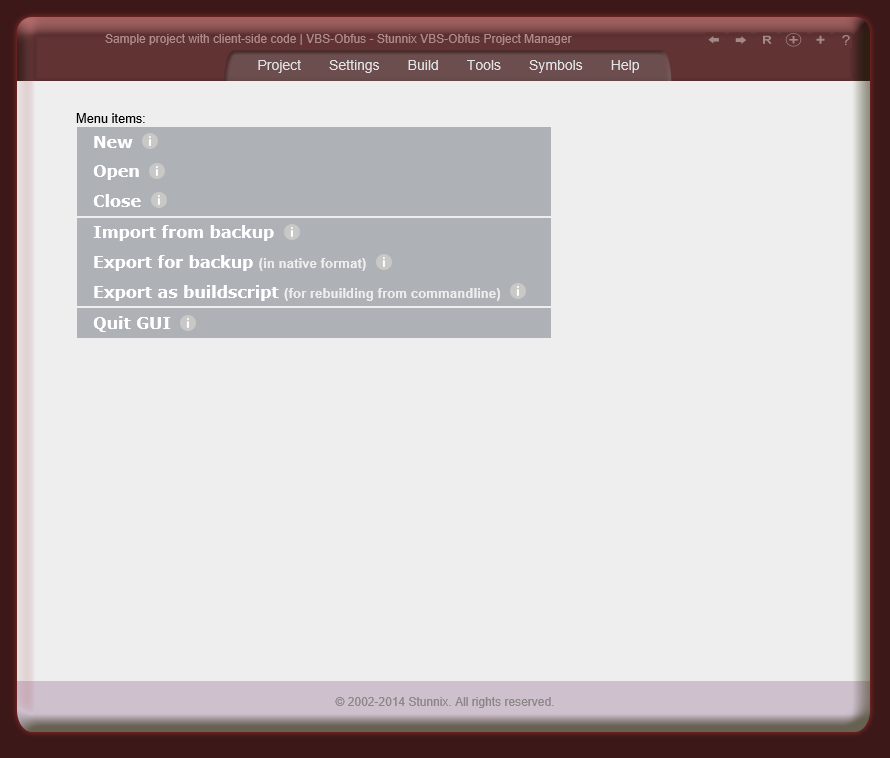
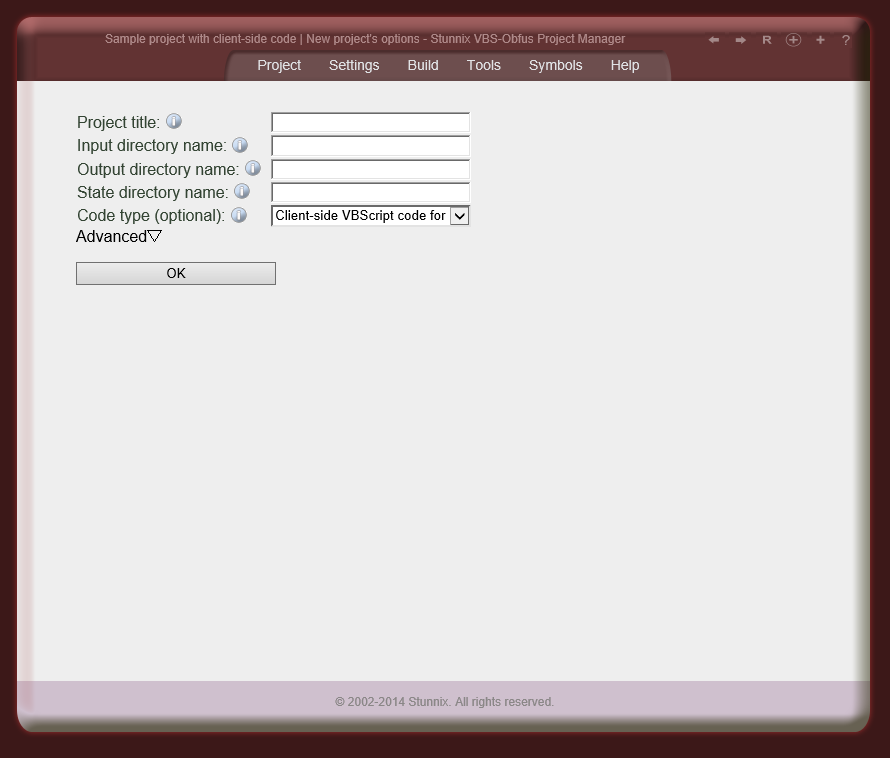
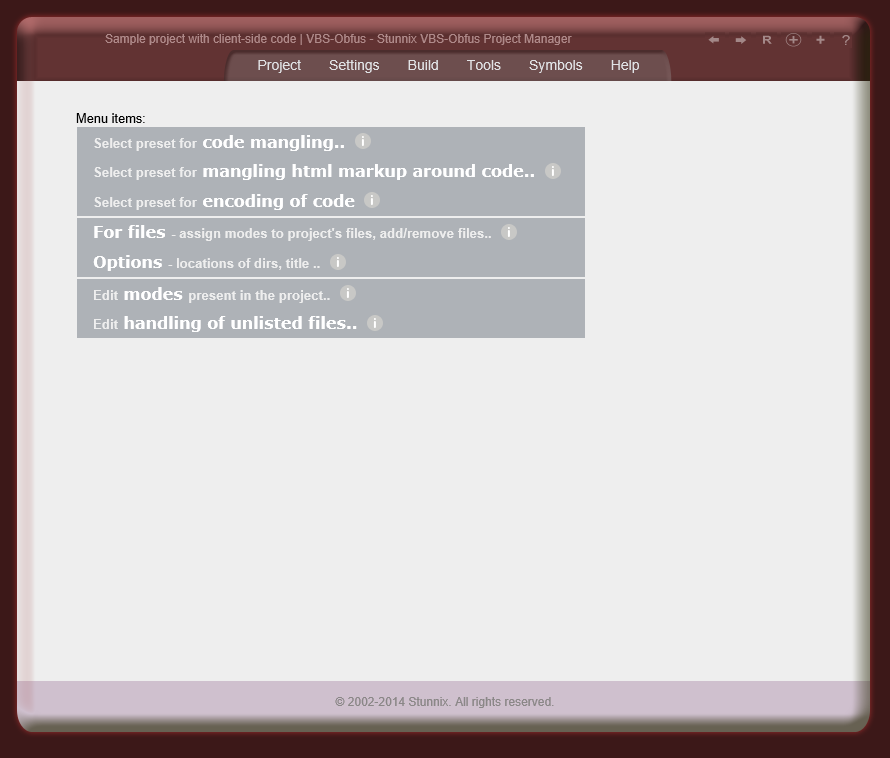
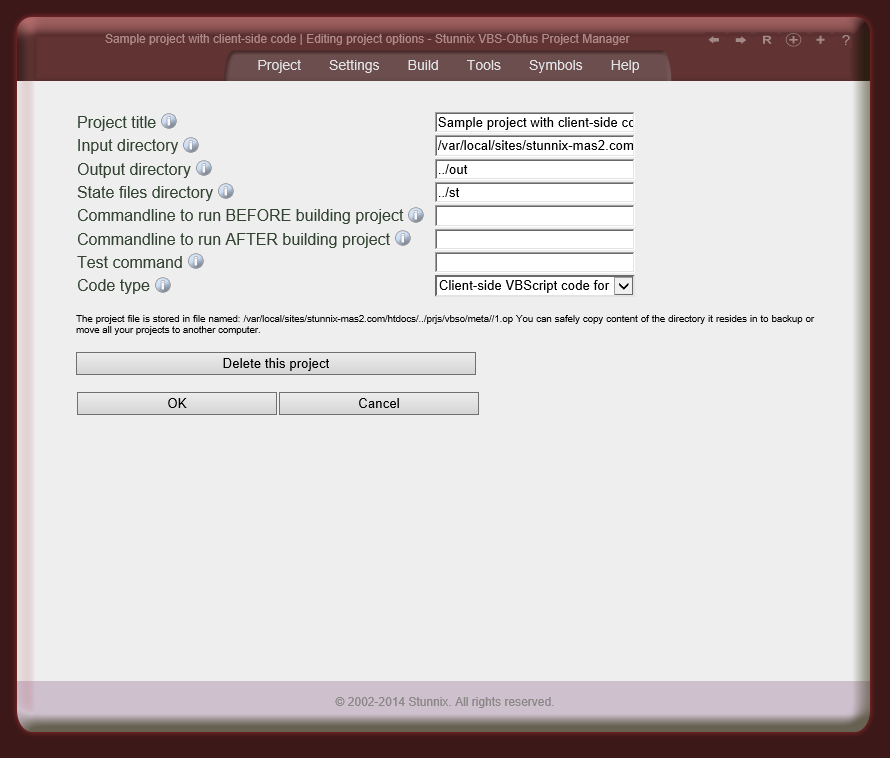
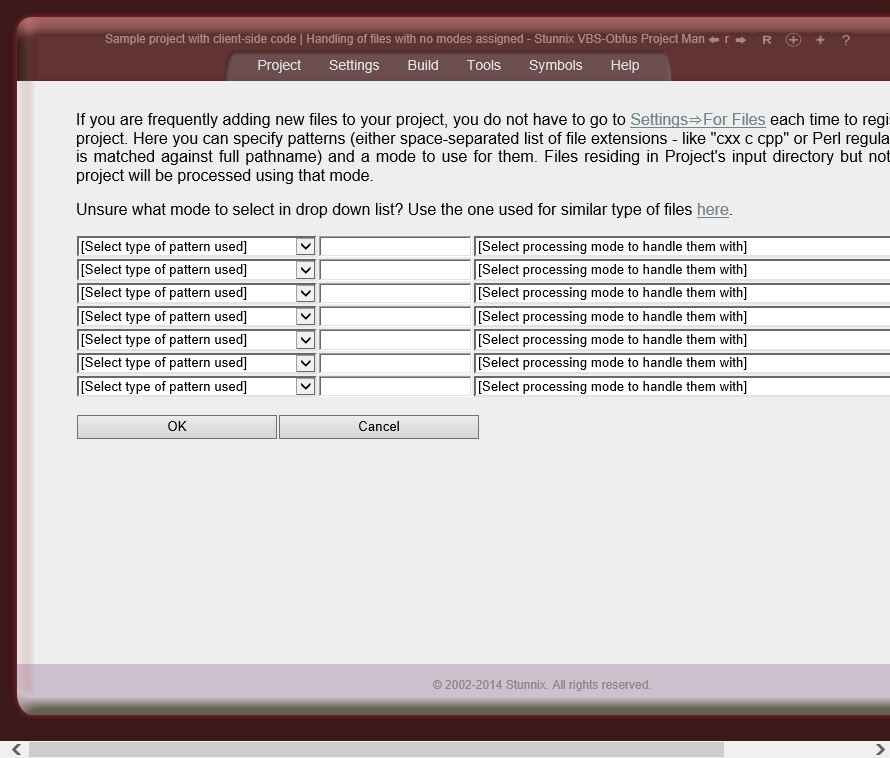
![]() | Unique! ASP and VBScript Obfuscator and Encoder includes Obfuscation Project Manager - an advanced intuitive cross-platform (Windows, MacOS X, Linux and Unix) graphical user interface for protecting any size project created with VBScript with mixed types of code (client-side and server-side), complete with with IDE-like functionality (supporting Build, Rebuild Changed, Clean) |
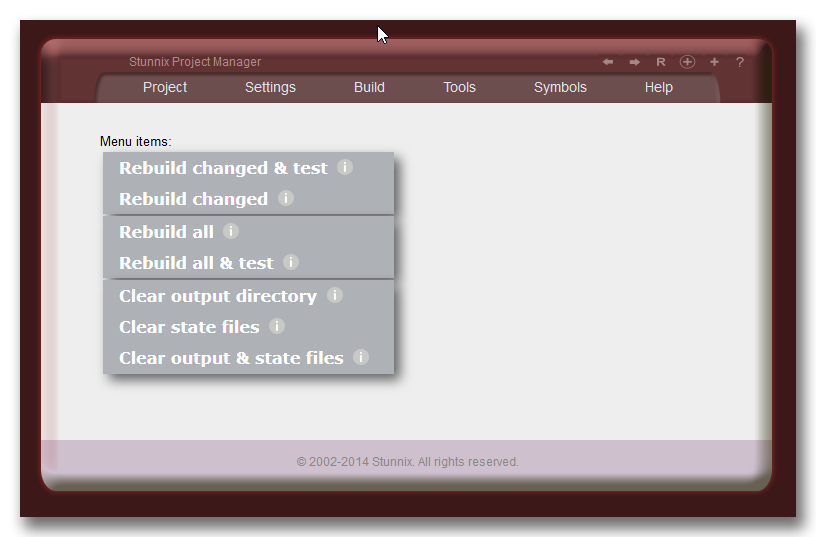
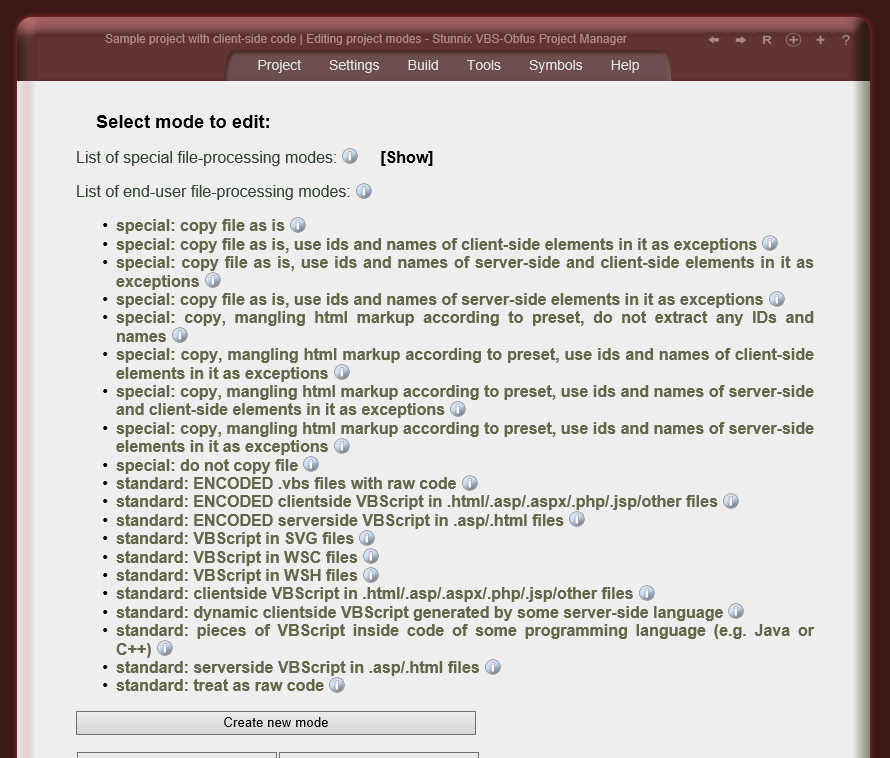
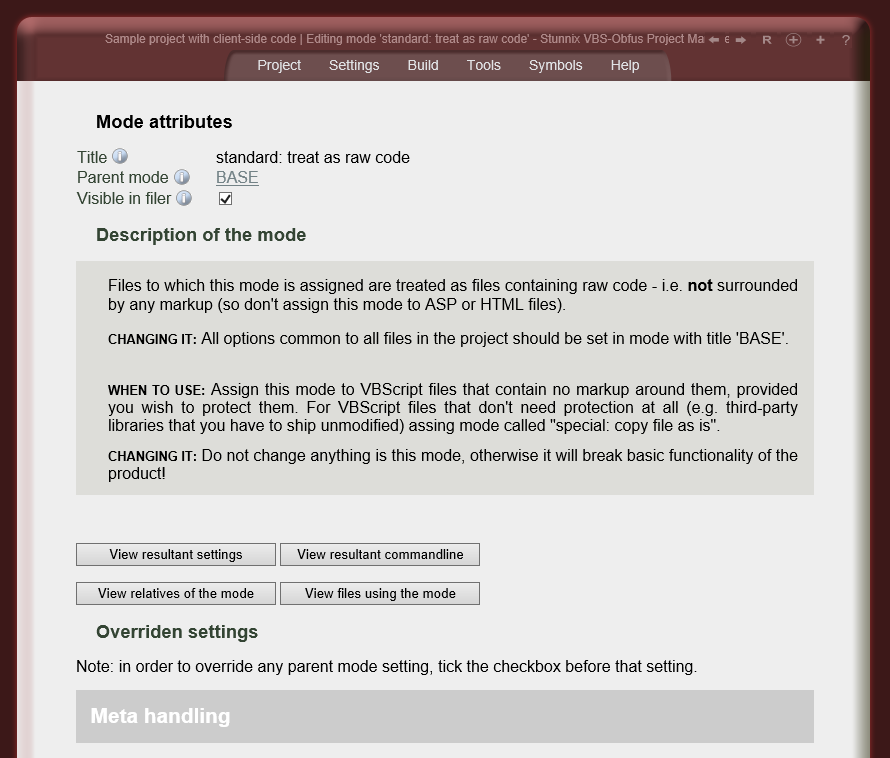
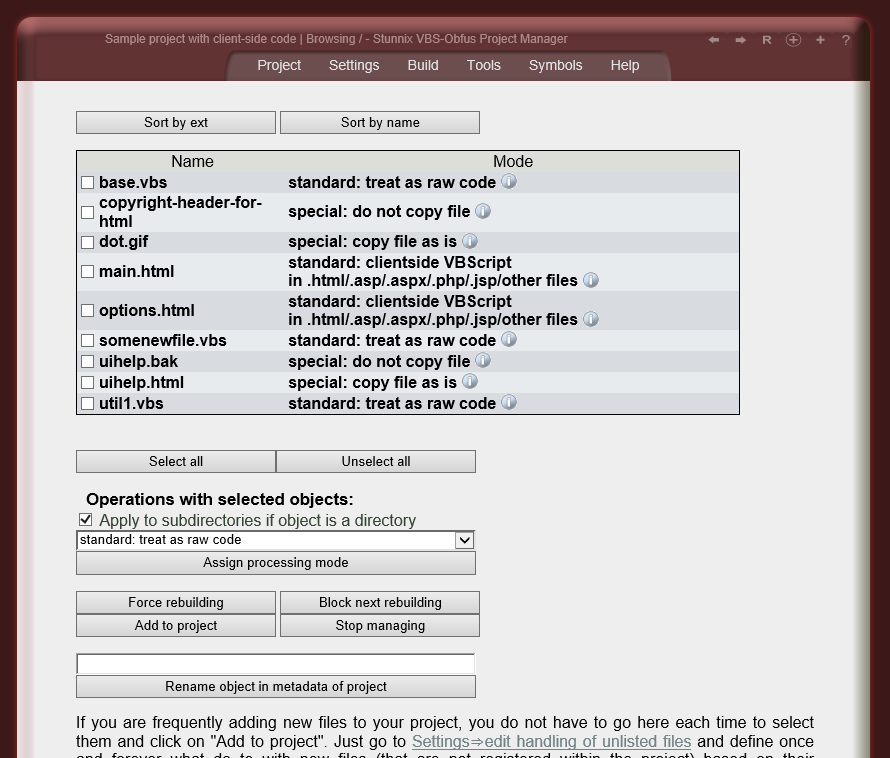
A single VBScript protecting mode can be attached to a given file; modes inherit settings from other modes (typically predefined ones) which requires very little effort to configure protection for the project. The mode concept allows the handling of some files in the project as files with server-side VBScript to be obfuscated, other files - as with client-side VBScript to be obfuscated, others - as html files to be used as a source for names of HTML objects and form elements, and other group of files - as static files that are either copied as is to output directory, or are not copied at all. Modes also specify whether or not to encode VBScript, so each VBScript obfuscation project can partly contain files that have been VBScript encoded and other VBScript parts that have not been encoded, but are still obfuscated. Files with obfuscated VBScript can have different copyright headers than other files; the mangling of strings or comments can also be performed differently in different files in the project.

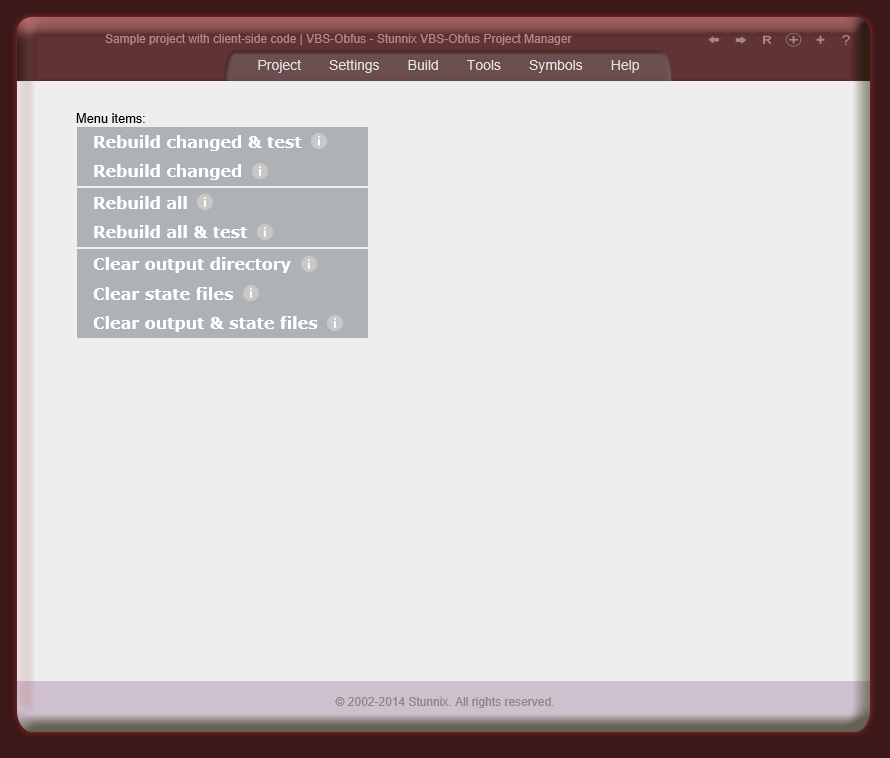
Obfuscation Project Manager is designed to be a more convenient alternative to Makefiles so it has functionality present in all IDEs for managing the project - i.e. Build, Rebuild Changed, Clean operations.
Users who prefer to use the command line interface or single-click obfuscation and encoding of VBScript and html in an entire project are able to compose a so-called build script. A build script is a special project-specific perl program that is a smart stand-alone replacement for a project-specific Makefile which already includes the functionality of the Make utility. For a project using Obfuscation Project Manager for ASP and VBScript Obfuscator and Encoder, just invoke that buildscript to perform operation such as cleaning all output files, reprotecting only changed files or reprotecting all files (with ability to specify only a subset of files).
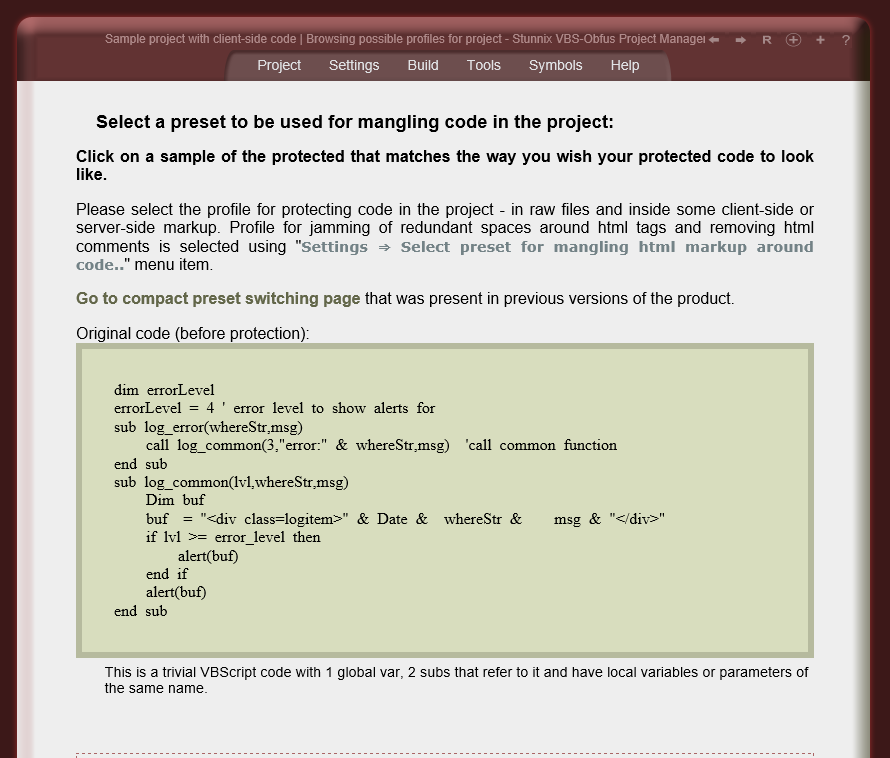
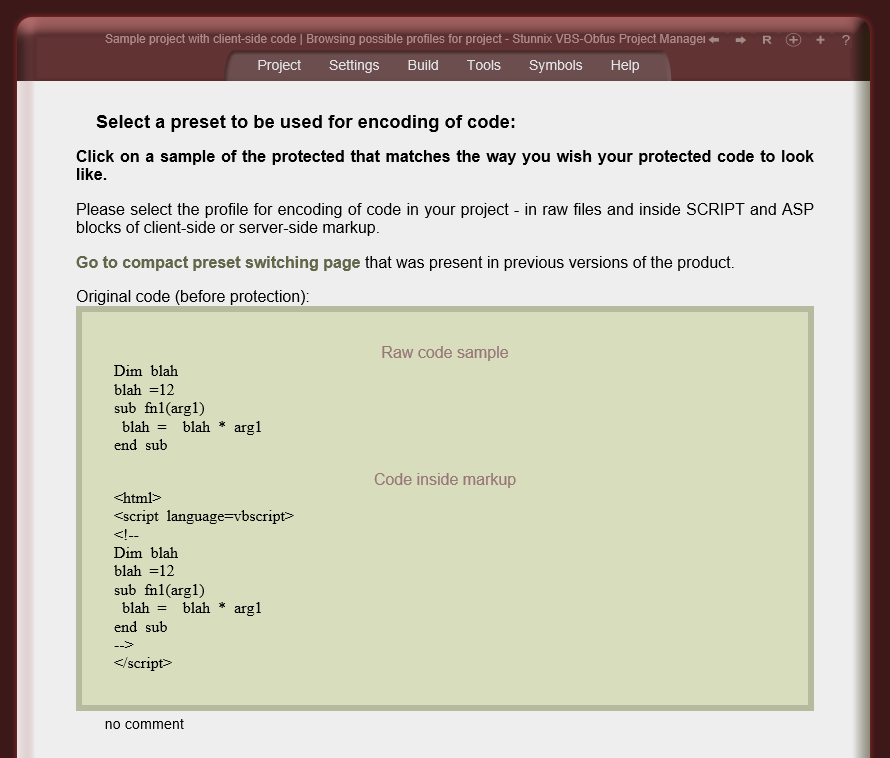
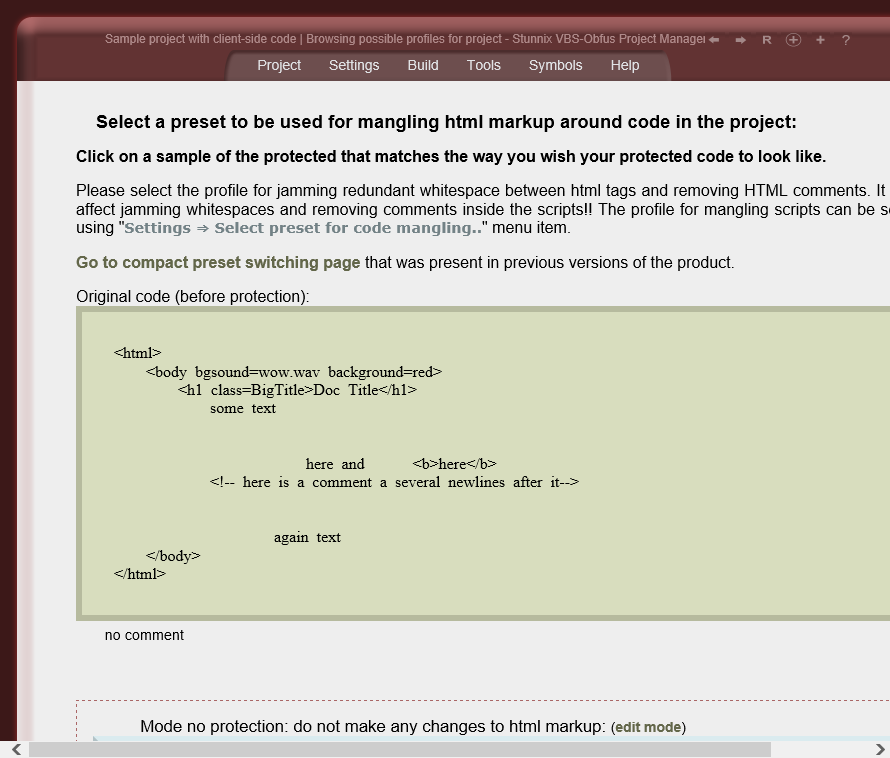
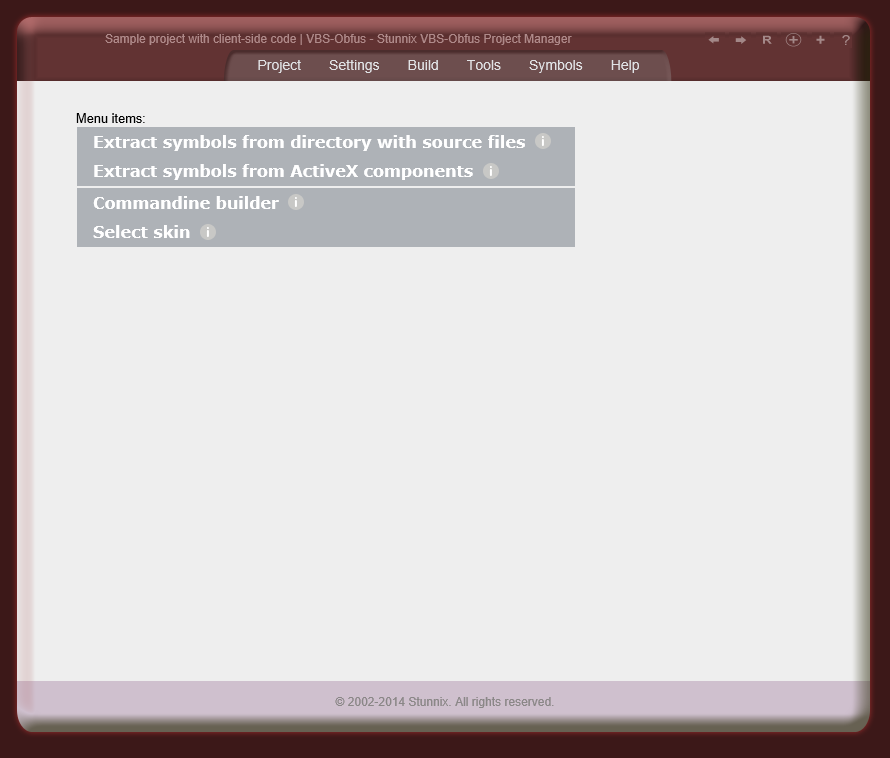
You can see ASP and VBScript Obfuscator and Encoder Project Manager running on our site in demo mode (destructive and editing operations are disabled in it).
![]() | It can extract symbols for any API - just provide a directory with the files defining API |
![]() | Unique! Protect VBScript inside string constants in any file with any programming language - Java, C/C++, C# or Pascal |
Developers just have to pass the name of that method (even with the name of object it's called on) to ASP and VBScript Obfuscator and Encoder and it will protect all source code in any string constants found between parentheses, even if other expressions appear between those parentheses - e.g. variables being concatenated, or even some other functions being called.
Consider the following C# code in .aspx.cs file that generates vbscript:
protected void AddVbs()
{
StringBuilder sb = new StringBuilder();
sb.Append(GenUtils.VBSCODE("Dim r: r = prepareReport(reportView,\"" + reportName +
"\",\"" + getReportId("mainReport",0) + "\"); " +
" r.titleOf = \"Report - standard view"; r.instance = 0; 'here is a comment "));
}
It even contains slash-escaped double quotes (near the end of the VBSCODE argument). Here
is how it's protected with ASP and VBScript Obfuscator and Encoder:
protected void AddVbs()
{
StringBuilder sb = new StringBuilder();
sb.Append(GenUtils.VBSCODE("Dim z04526a1d1b: z04526a1d1b = z9c6e26c932(zda80ab51a2,\"" + reportName +
"\",\"" + getReportId("mainReport",0) + "\"); " +
" z04526a1d1b.z018b3115a6 = \"Report - standard view\"; z04526a1d1b.z0d2e08cd5a = (&h309+1231-&H7d8); ));
}
As you see, comments are removed, integer "0" has been mangled, and of course variables have
been renamed to match names used in raw VBScript files (that will be located on the same
server where .aspx.cs file is being executed on). C# code surronding it was not changed,
even string constant inside of the call of getReportId().
The commandline used was:
vbs-obfus -E othercode,dynamic-scripts-by=GenUtils.VBSCODE impl1.aspx.csOf course it's possible to achieve the same effect using Project Manager GUI, without writing a piece of commandline code - just assign mode "standard: pieces of VBScript inside the code of some programming language (e.g. Java or C++)" to such files.
This allows users to create complex projects consisting of files with VBScript, files with HTML markup and client-side VBScript code in them, and some raw server-side code files (like Java or C# or C++) that refer to client-side code defined elsewhere, and the names of all symbols will be changed in the same way.
![]() | Unique! ASP and VBScript Obfuscator and Encoder has special debugging mode and unique tools to generate a list of symbols that can't be changed, saving development time. |
Due to the unique ability to extract symbols from html files (that allows the extraction of the ids of html elements and names of form fields) and the unique ability to extract all symbols exported by a given ActiveX or OCX control — not available with any other products — the preparation process is as short as possible.
![]() | Unique! ASP and VBScript Obfuscator and Encoder supports several advanced ways to generate obfuscated names including using shortest possible name. |
All these ways (called "symbol name obfuscators" or "symbol manglers" in documentation ), except the first one (listOfCustomers-> MyPrefix_listOfCustomers) are irreversible. This guarantees that obfuscated VBScript is unrecoverable and difficult to analyze.
All "symbolname manglers" can be applied to VBScript Protection Projects consisting of an arbitrary number of files.
Mapping between original and replacement symbol names is stored along with the project so that the original name of a symbol can always be recalled.
Users have the option to specify symbol replcement.
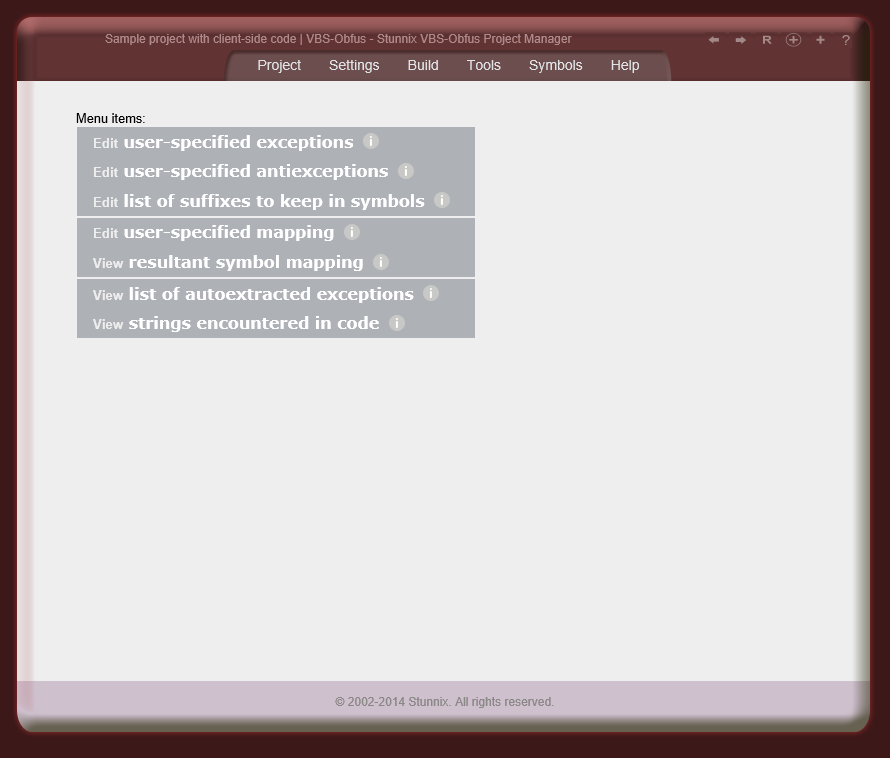
Users have the option to list symbols that shouldn't be renamed (can be file specific). Strictly speaking, there are 2 types of such lists: ones in which symbols are checked case-sensitive, and others in which symbols are checked case-insensitive. Users can also define lists of suffixes that should be kept in symbols as-is (so everything before the suffix is mangled, while keeping suffix) — eg - if _onClick is in the list of suffixes to keep and md5 symbolname mangler is active, then openBtn_onClick it will be replaced with something like zd8ac37d6e_onClick, A symbols for standard interfaces used by VBScript are shipped with ASP and VBScript Obfuscator and Encoder. User can easliy disable some of the exceptions in these shipped lists by designating some symbols as "antiexceptions" (these also can also be specified for each VBScript file in the project).
There is an option to store a symbol map as a comment inside the protected version of each file.
![]() | ASP and VBScript Obfuscator and Encoder has state of the art support for the obfuscation and encoding of client-side and server-side VBScript scripts embedded into HTML, PHP, ASP and ASP.NET, WSH/WSC and of course in raw files. |
Files with HTML markup in which VBScript scripts are to be obfuscated can contain SSI (supported by IIS and Apache), ASP, ASP.NET and PHP fragments in them at any location - inside scripts (even inside string constants of the script!), inside event handlers and inside html markup (i.e. between < and >) - this feature is available only in ASP and VBScript Obfuscator and Encoder.
Values of internalName attributes inside WSC files are obfuscated automatically.
A special stand-alone utility to extract names and ids of form fields and other elements is also included with ASP and VBScript Obfuscator and Encoder. It is invoked automatically for files of VBScript Protection Project that are declared as files from whcih ids and names of form fields are to be extracted.
![]() | Unique! ASP and VBScript Obfuscator and Encoder also can protect html, php, .asp and .jsp and other files that don't contain any scripts at all! |
![]() | Unique! ASP and VBScript Obfuscator and Encoder has support for obfuscating dynamic VBScript code inside string arguments of "print()" calls and the like |
Also if client-side VBScript code is output by any server-side language (e.g. ASP, ASP.NET, JSP, PHP, C/C++ or Perl), then the pieces of VBScript code can be obfuscated inside the strings that are arguments of the desired method calls of the server-side language (i.e. ASP and VBScript Obfuscator and Encoder can modify any server-side language too!).
The arguments of those methods can include expressions that compute pieces of VBScript code using any operators and calls of other functions and methods; but only strings will be treated as VBScript code and their content will be obfuscated.
More information and samples are available in the manual.
![]() | Unique! Full support for projects consisting of several VBScript files and use of eval |
In case some of the input files are changed, users can reprotect and redeploy only that file, without the need to reprotect entire VBScript project.
ASP and VBScript Obfuscator and Encoder also has support for code that uses eval() or any other statement that uses string containing names of variables or methods. Once properly marked up (by splitting the string into an expression that joins parts of the string and turning parts that contain only the name of variables or methods into calls of a special function), names of variables and functions in the string will be obfuscated properly. This allows the obfuscated VBScript code to work as the original. This functionality was first introduced in ASP and VBScript Obfuscator and Encoder among all obfuscators for VBScript. This manual "markup" gives 100% stability accross project rebuilds and is much more useful than automatic guesswork performed by other obfuscators for VBScript.
If VBScript code contained in a string is too complex to split into parts by a programmer, users can use the unique feature of ASP and VBScript Obfuscator and Encoder - the ability to obfuscate dynamic VBScript code. More information and samples on obfuscation of dynamic VBScript code are available in the manual.
![]() | Unique! Many options to tightly control the obfuscation and encoding of ASP and VBScript Obfuscator and Encoder |
All names and semantics of commandline options are convenient and intuitive and follow GNU recommendations, forms in GUI are also easy to use and understand.
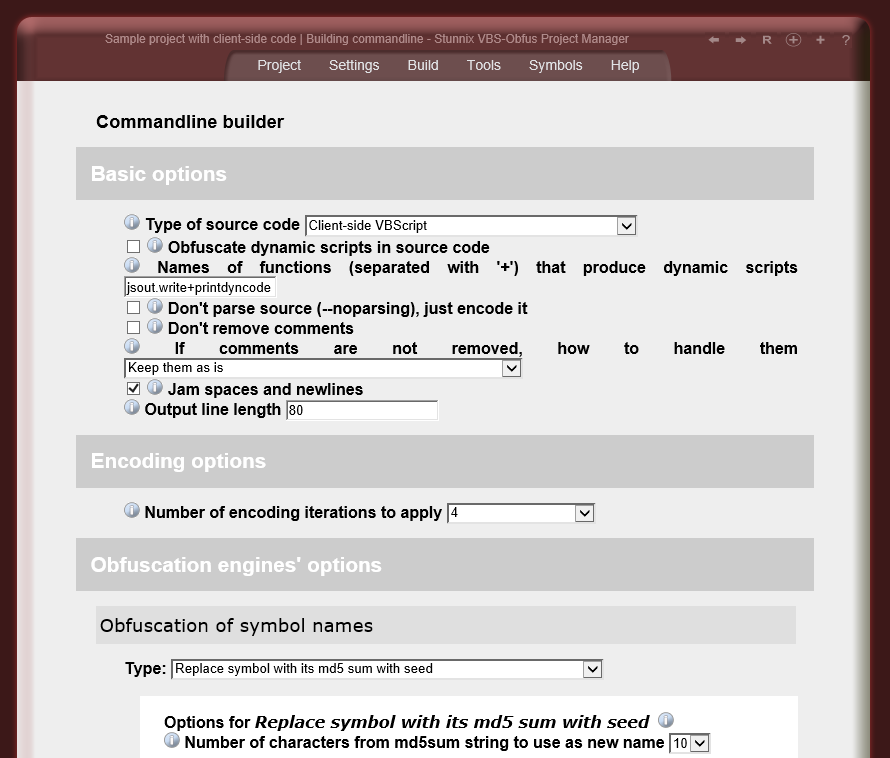
To get an idea of how many options are available, please view the online demo .
![]() | Unique! Ability to watermark VBScript and to make the study of changes between versions of the same file more difficult |
Key internal parameters of VBScript encoding already depend on random values so the encoded version of the same file will be different on each run. Developers just have to run ASP and VBScript Obfuscator and Encoder to produce file specific to each customer.
![]() | Unique! ASP and VBScript Obfuscator and Encoder allows creation of lists of symbols that shouldn't be modified; Many exception tables for standard interfaces are included |
Users have an option to list symbols that shouldn't be renamed (such list can be attached to each file individually). Strictly speaking, there are 2 types of lists, ones in which symbols are checked case-sensitive, and others in which symbols are checked case-insensitive. Users can also define lists of suffixes that should be kept in symbols as-is (so everything before the suffix is mangled, while keeping suffix the same) — that is if _onClick is in the list of such suffixes to keep and md5 symbolname mangler is active, then openBtn_onClick it will be replaced with something like zd8ac37d6e_onClick, User can easliy disable some of the exceptions in these shipped lists by designating some symbols as "antiexceptions" (these also can also be specified for each VBScript file in the project).
Due to the unique ability to extract symbols from html files (that allows the extaction of the ids of html elements and names of form fields) and the unique ability to extract all symbols expored by a given ActiveX or OCX control — not available with any other products — the generation of custom lists of exceptions is easy, fast and almost fully automated.
![]() | Obfuscated and/or encoded code runs on any VBScript interpreter |
Full documentation for Stunnix VBS-Obfus is available online.
You can see Project Manager for VBScript Obfuscator demo on our site, or go straight to the page with obfuscation and encoding options available.
An example of how cryptic a typical file looks after obfuscation with VBS-Obfus is available.
Stunnix VBS-Obfus can be purchased in our online store.
An Obfuscator for Perl language - Stunnix Perl Obfuscator and Encoder - is also available from us, as well as Stunnix JavaScript Obfuscator - the obfuscator for JavaScript.